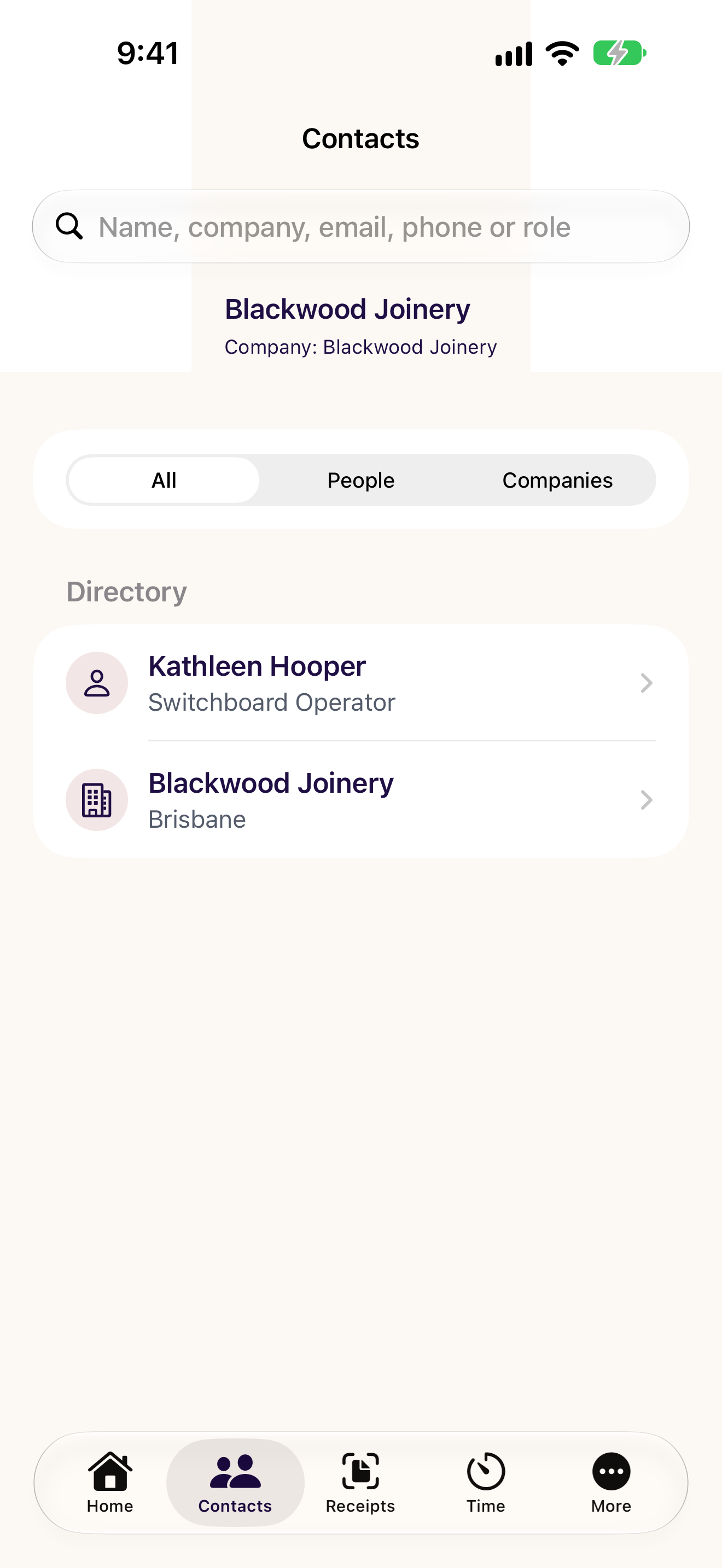
Find the person you need.
Browse people and companies in your Odoo workspace, keep favourites close and use the contact details your Odoo user can access.
CXOdoo
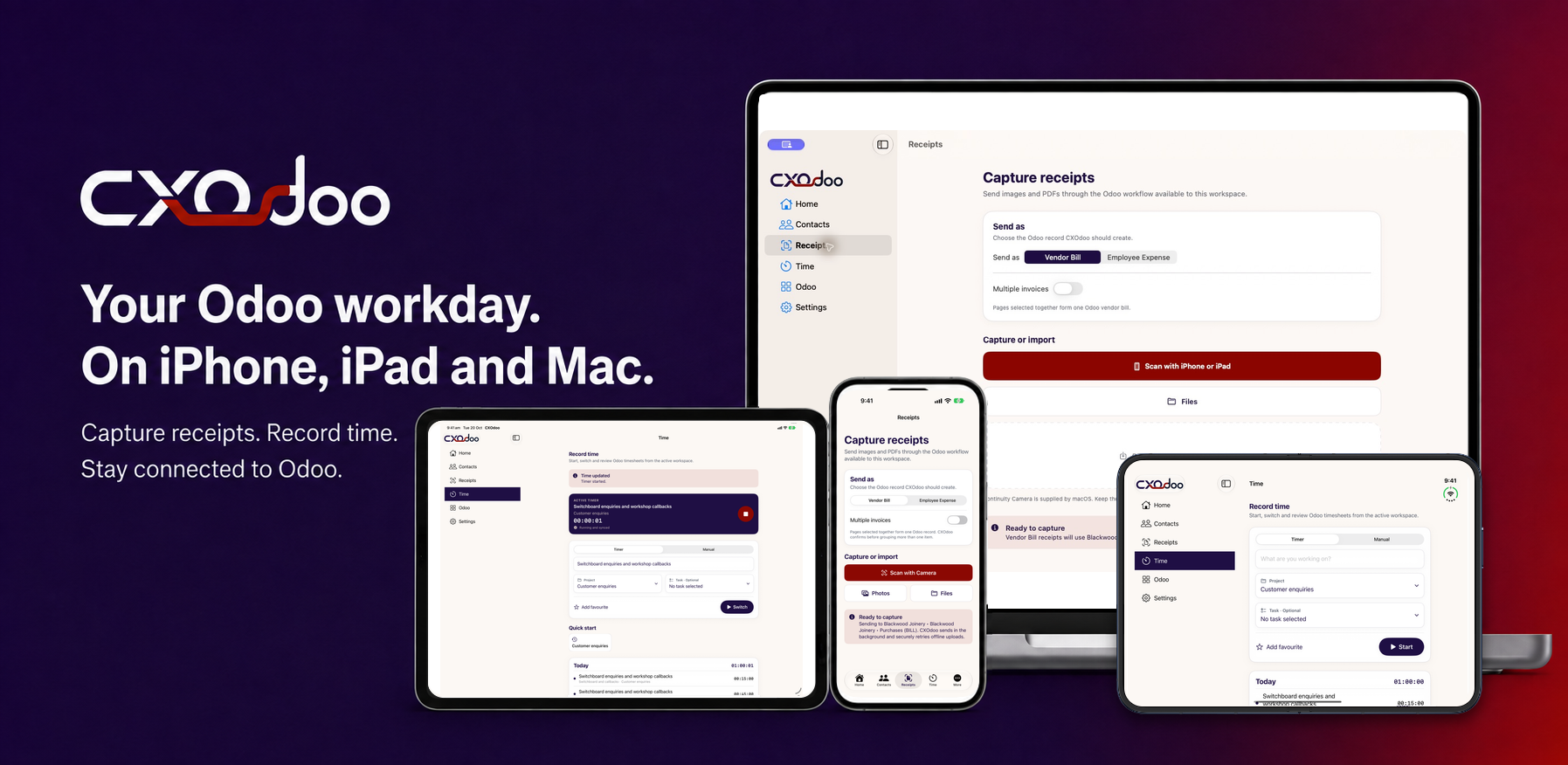
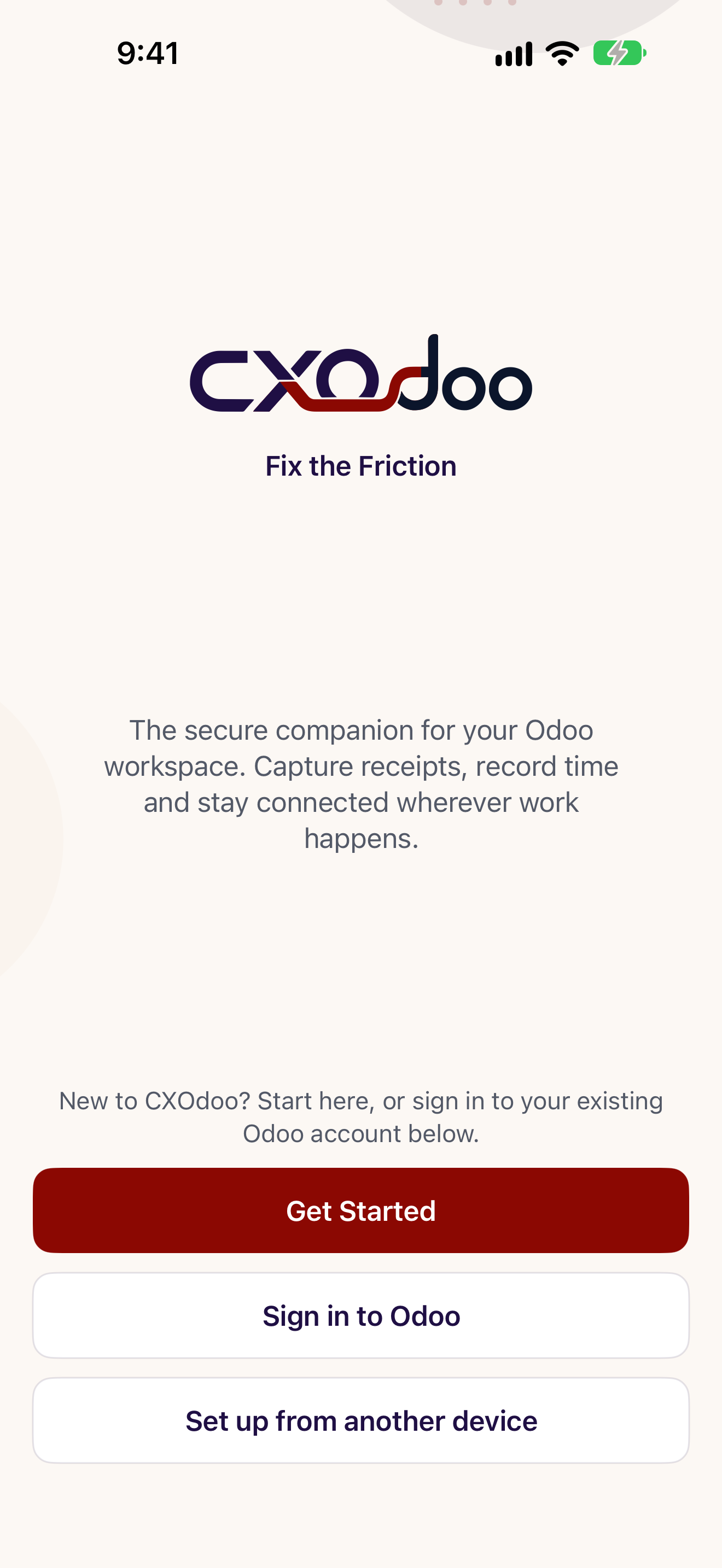
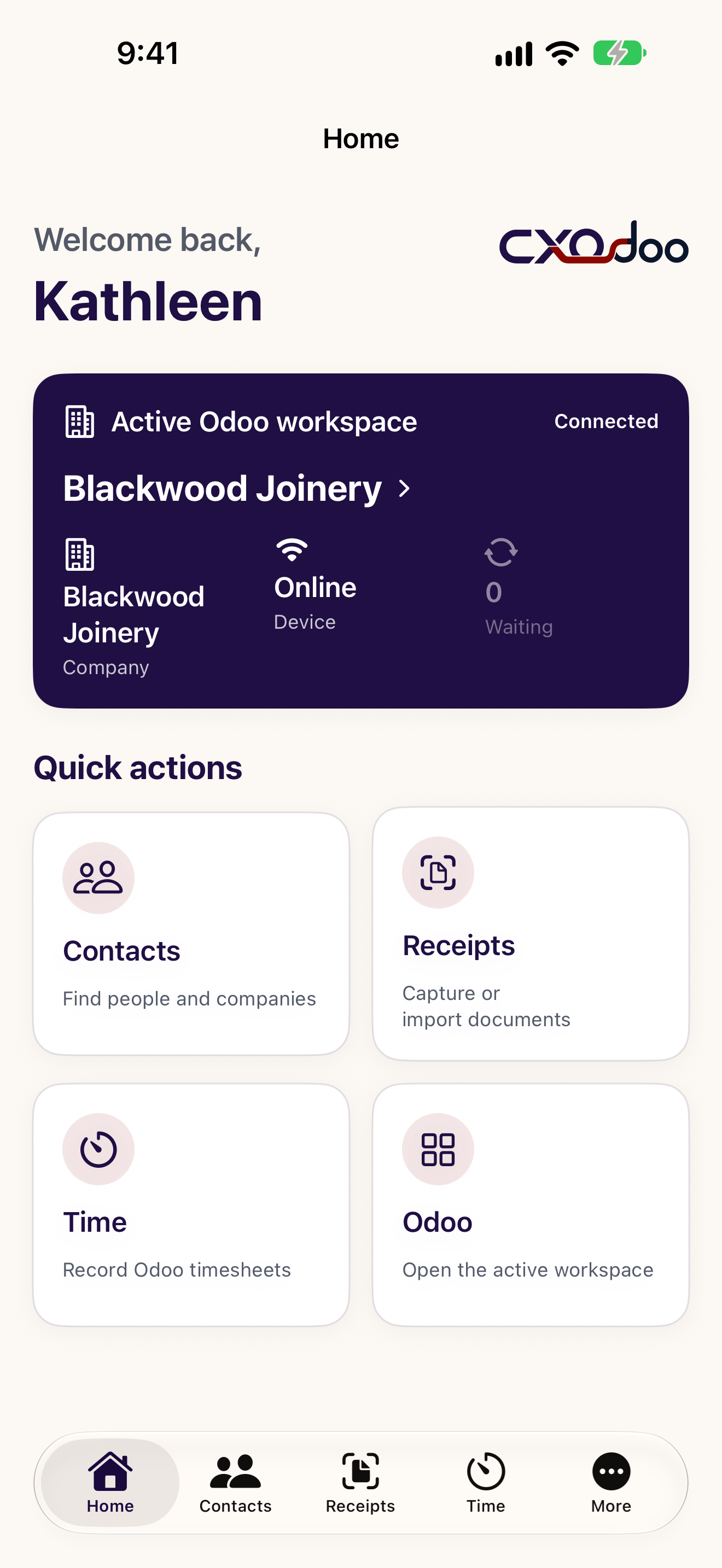
Find your contacts. Capture your receipts. Record your time. Bring the everyday parts of Odoo closer to hand.
Start with free Contacts. Add Receipts and Time when you need them.
Browse people and companies in your Odoo workspace, keep favourites close and use the contact details your Odoo user can access.
Scan or import a supported document for a draft Vendor Bill or Employee Expense. Review, tax treatment, approval and posting stay in Odoo.
Start a timer or record time manually against your Odoo projects and tasks. Keep favourites and recent work within reach.
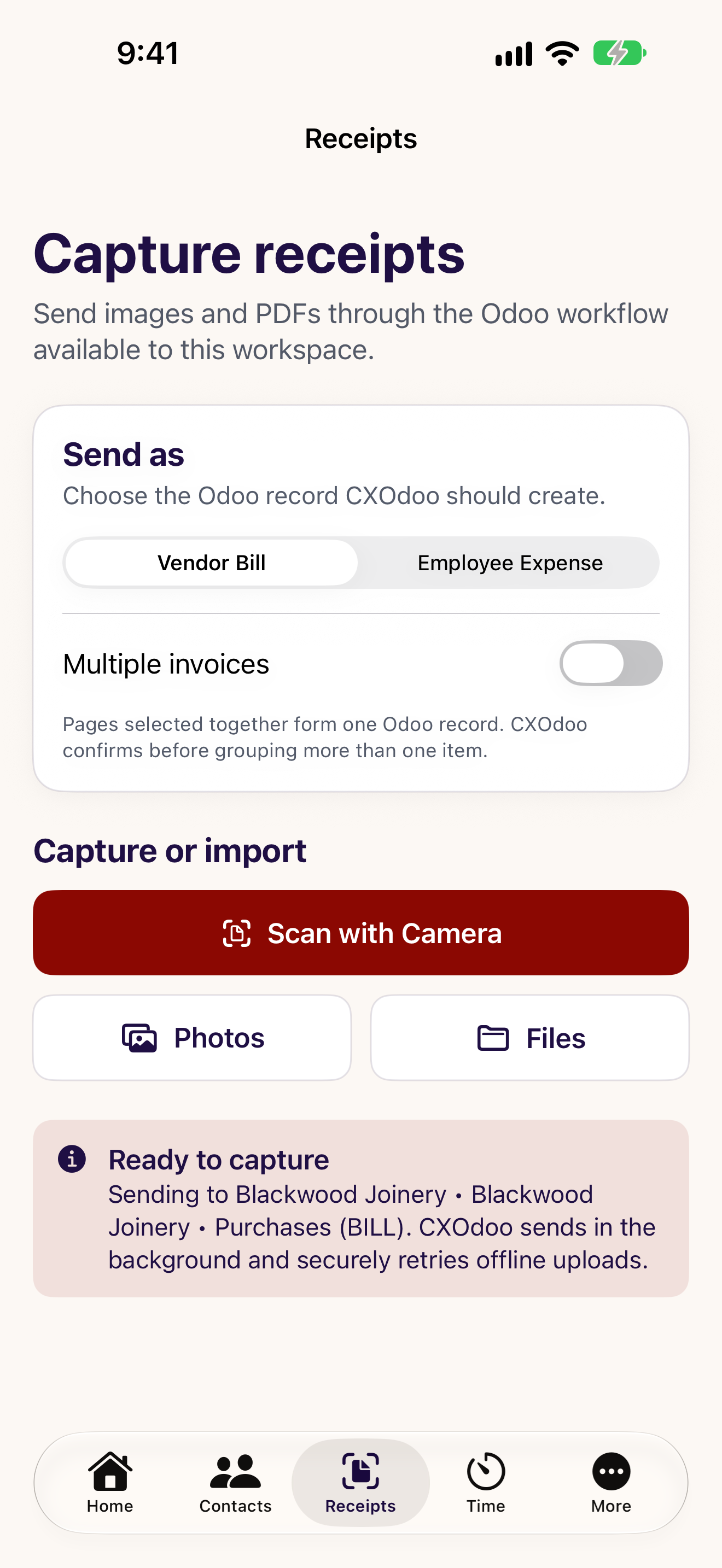
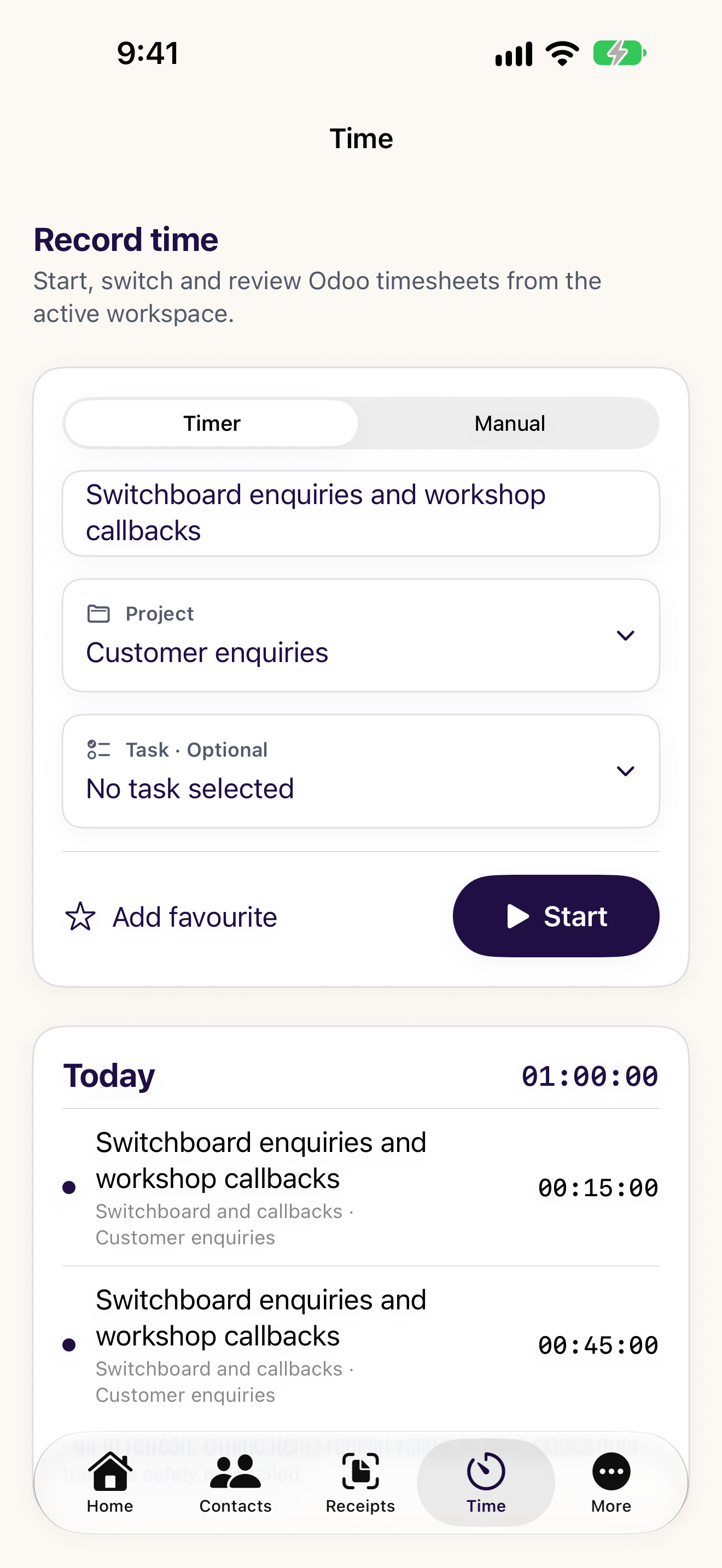
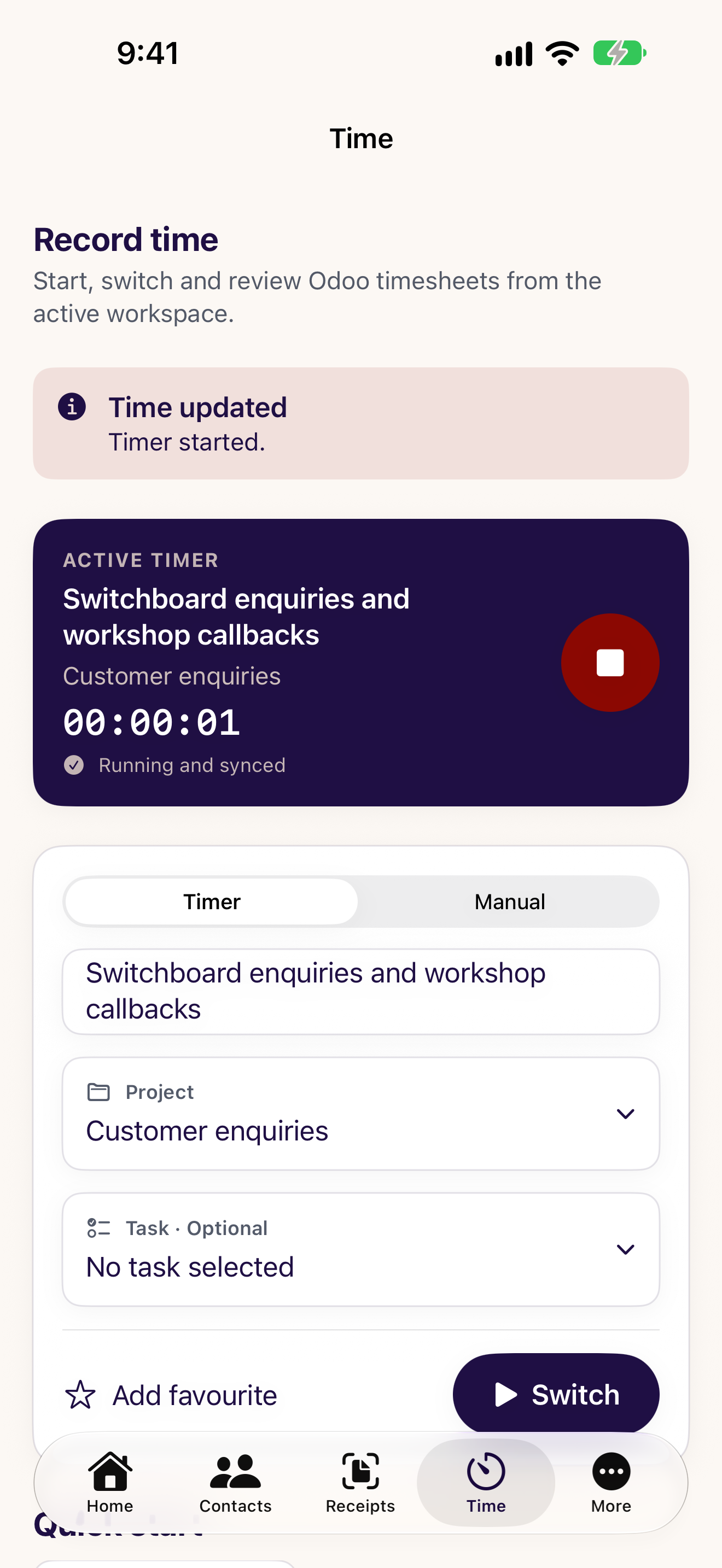
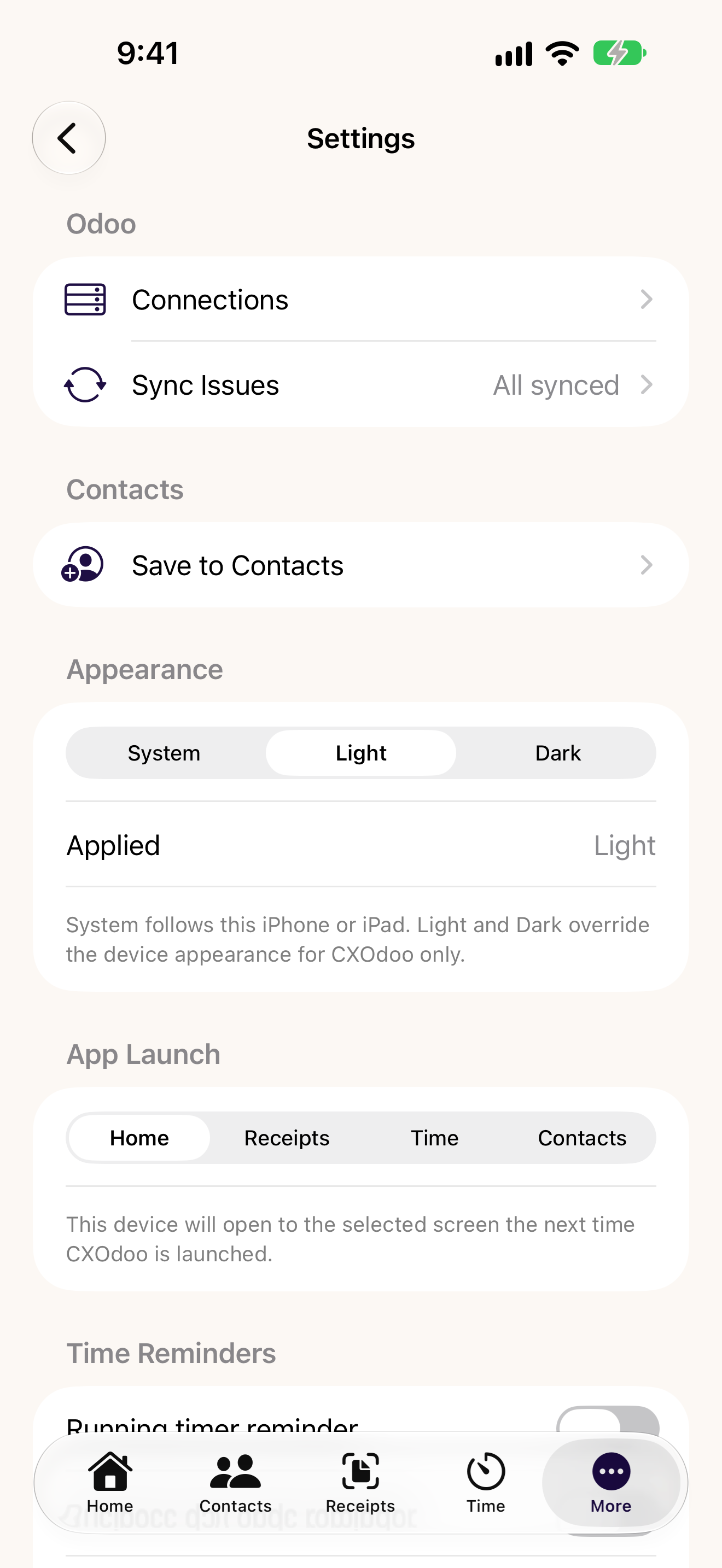
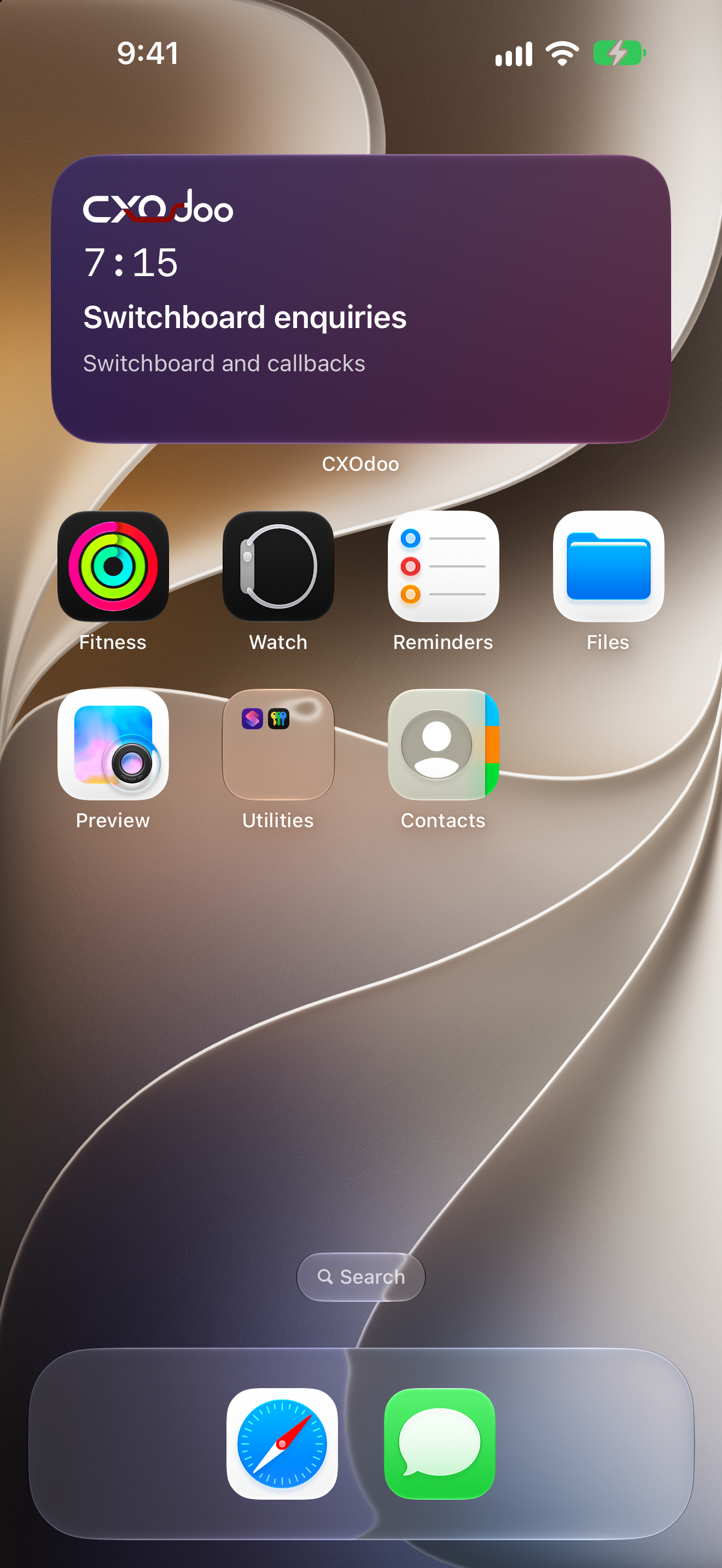
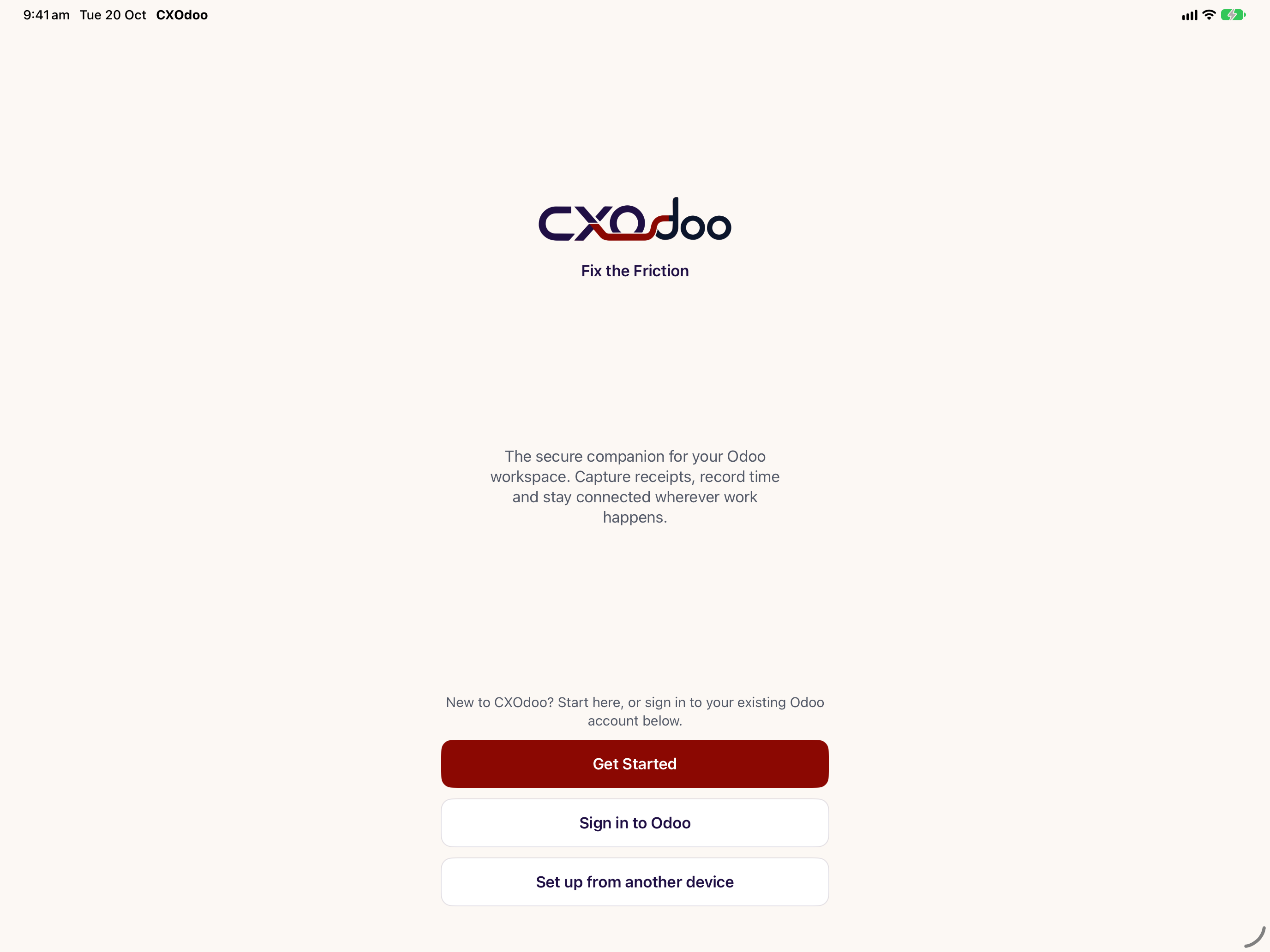
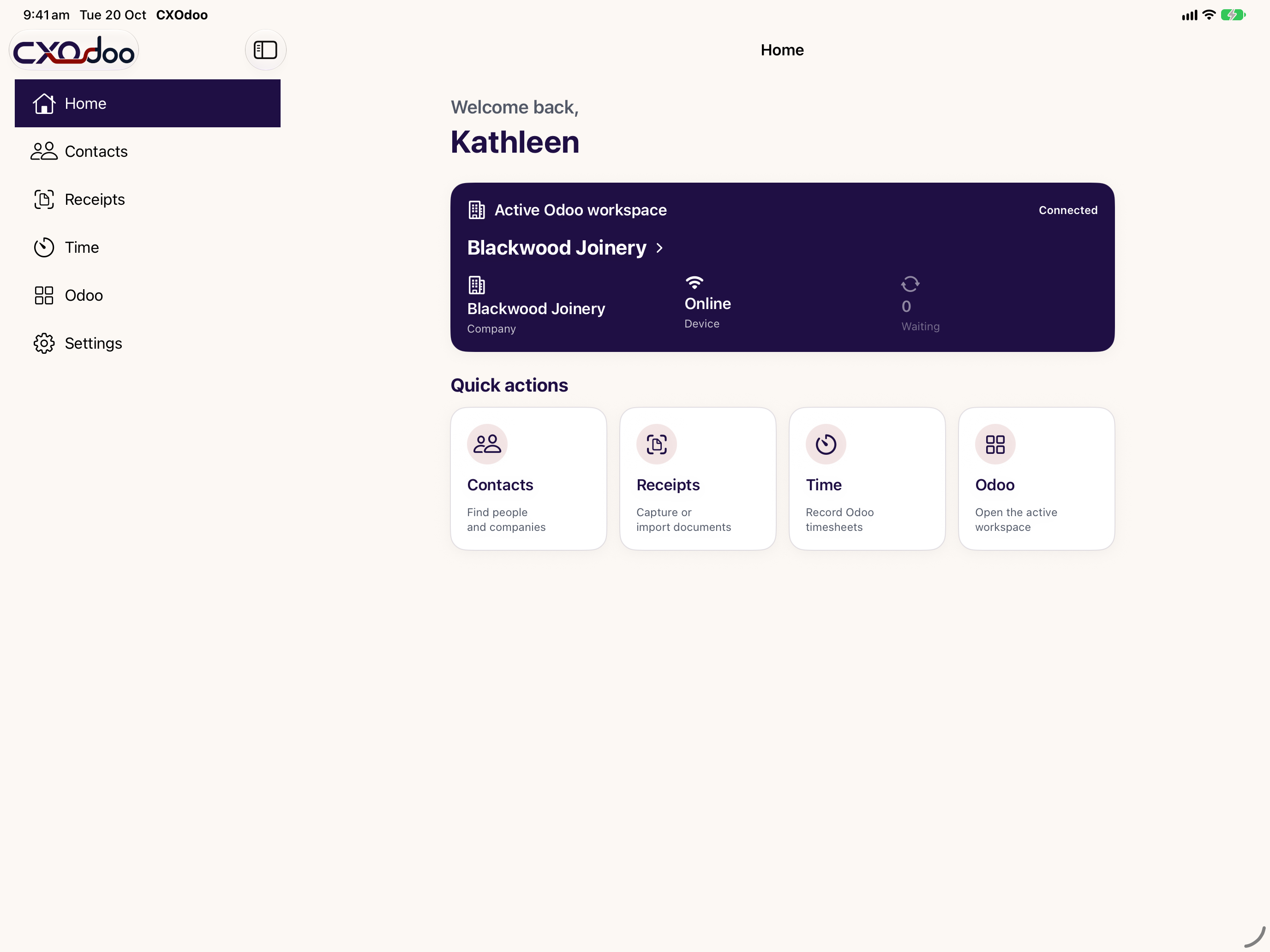
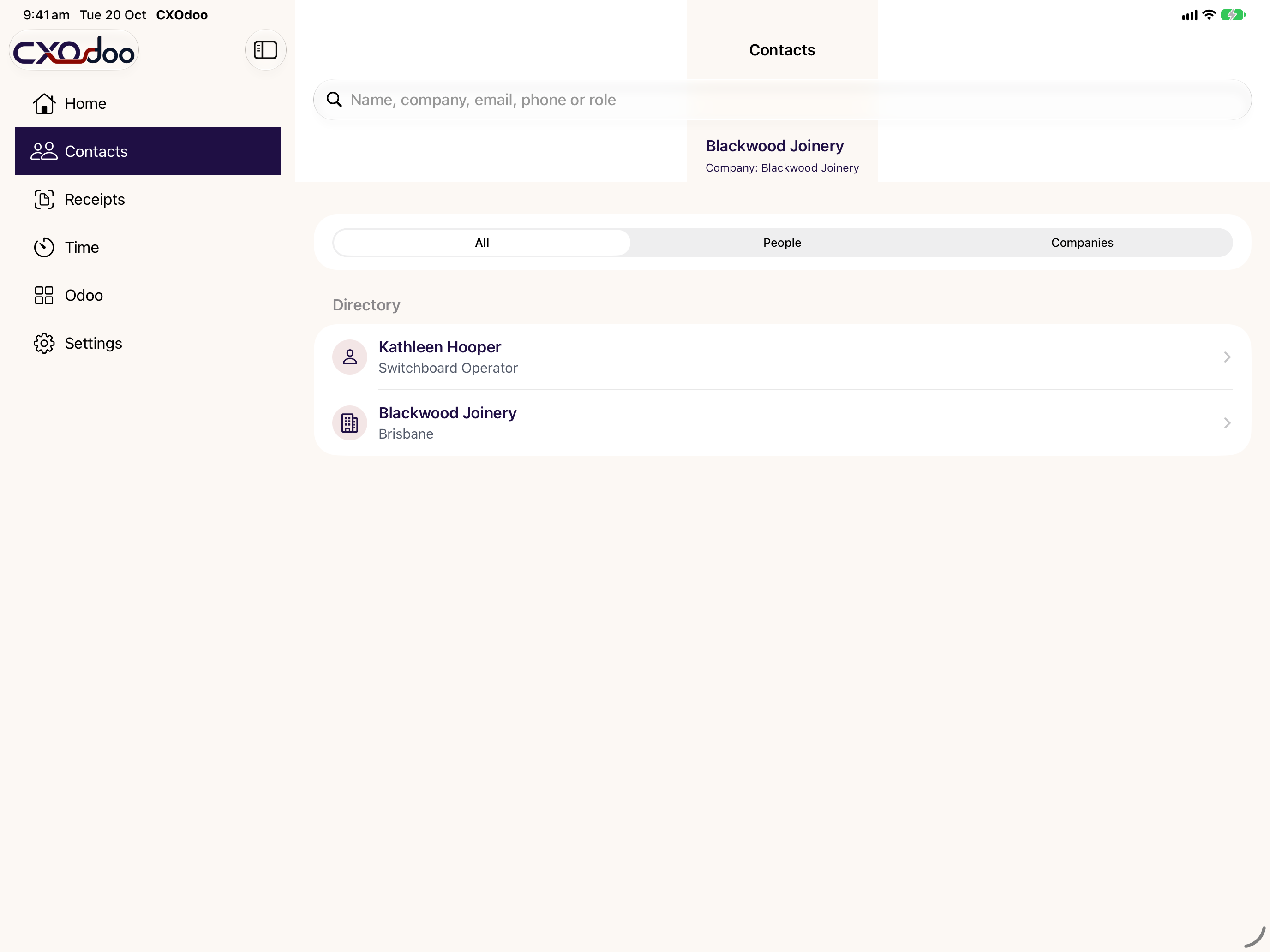
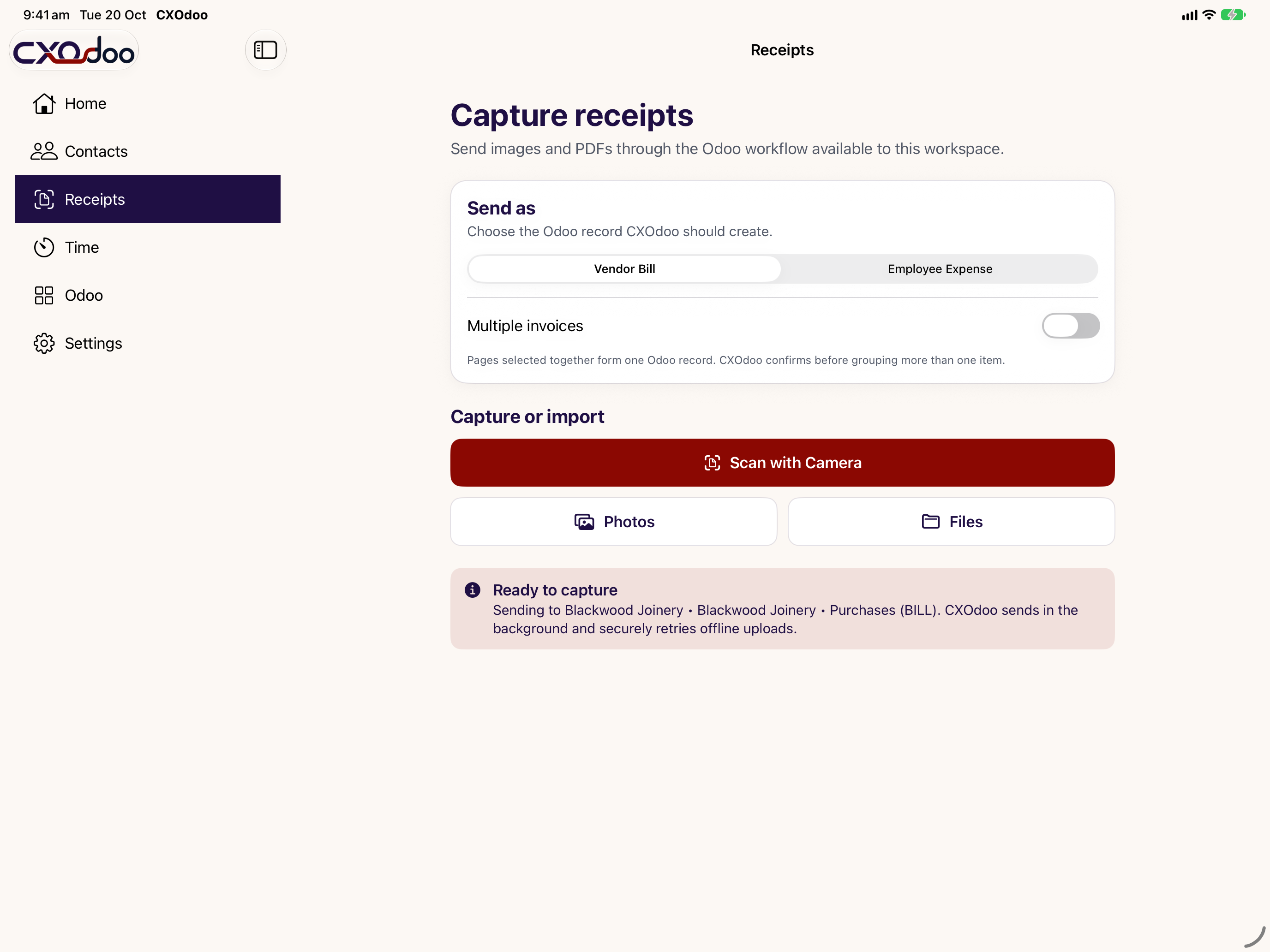
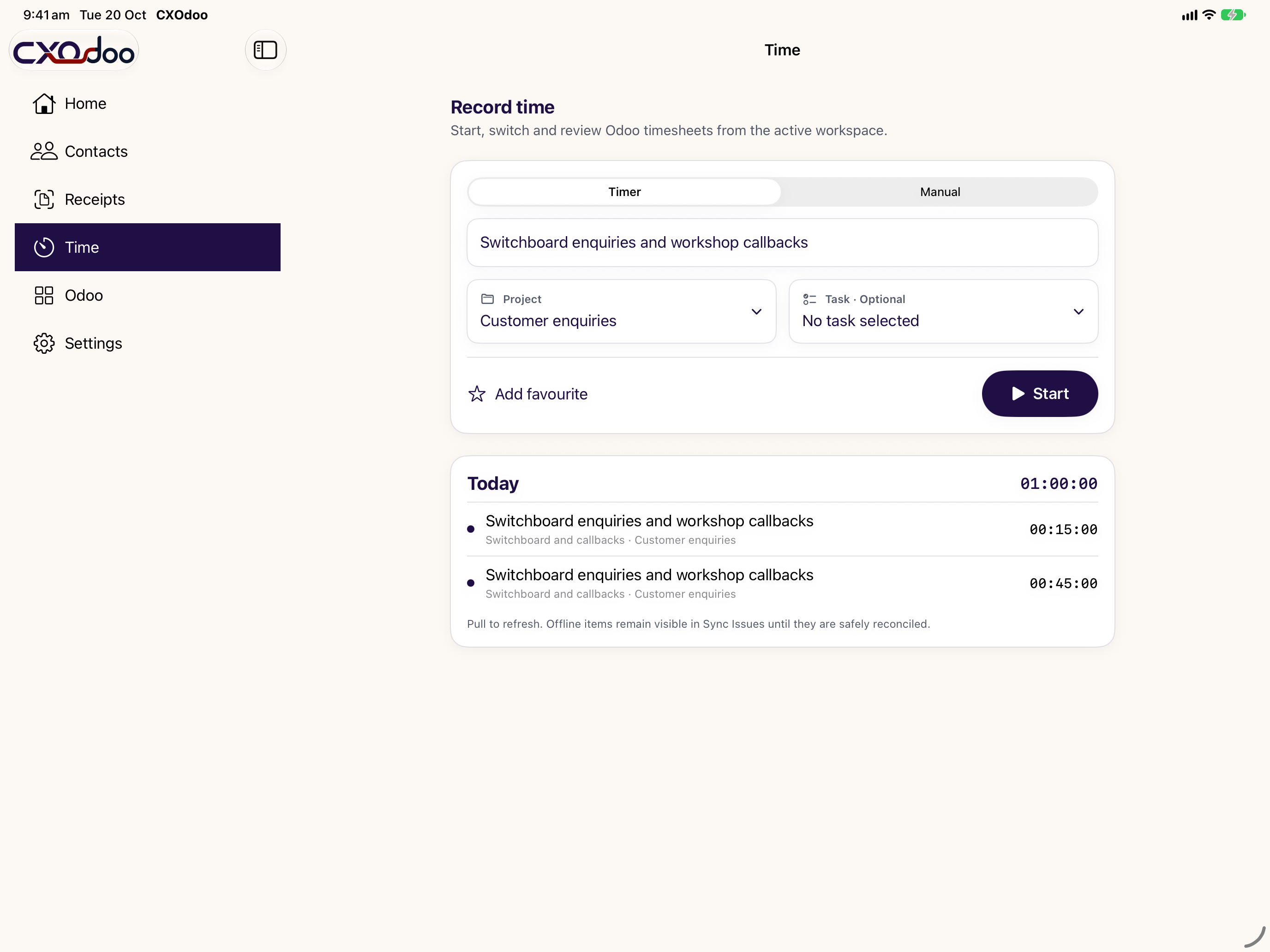
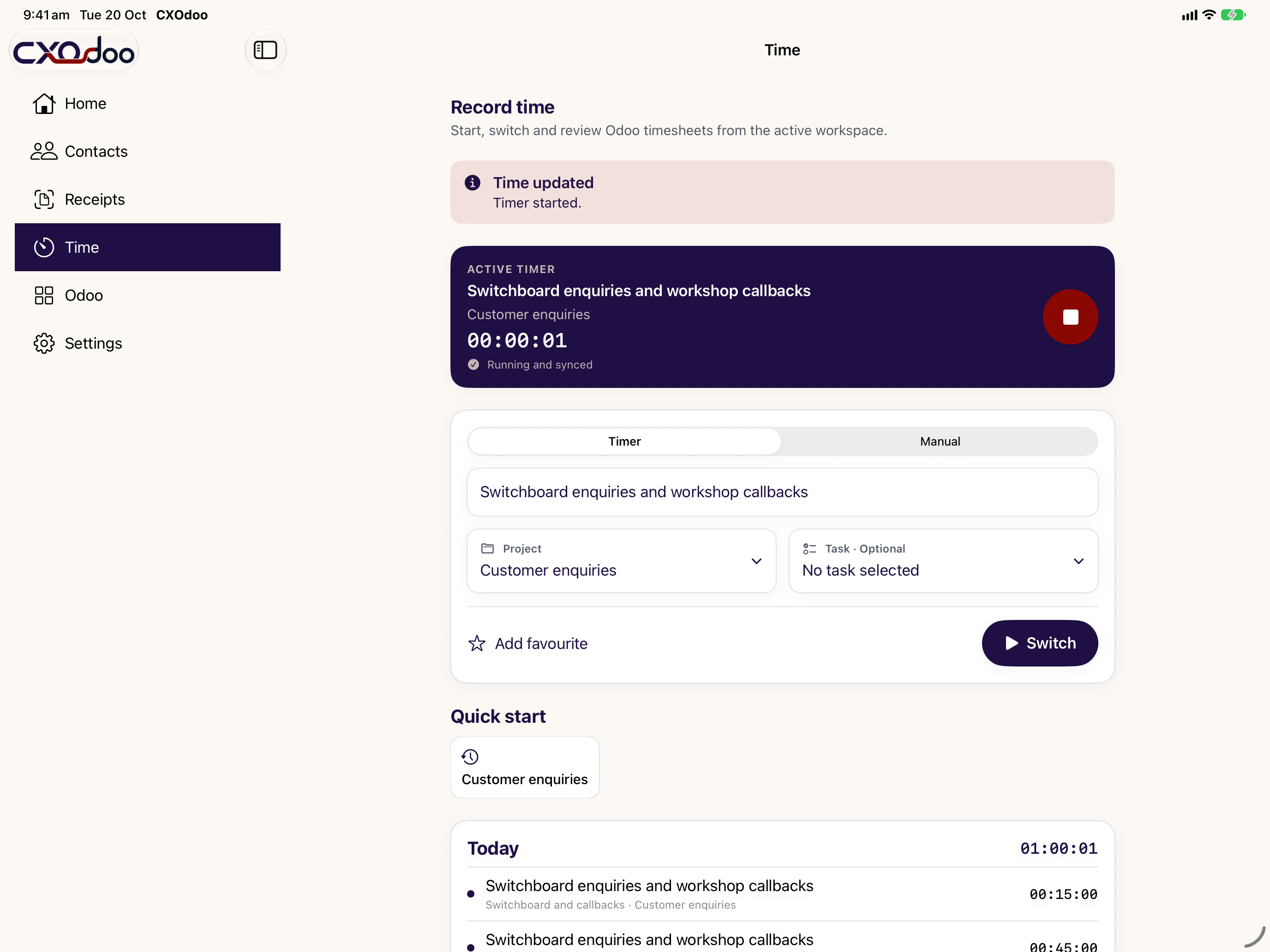
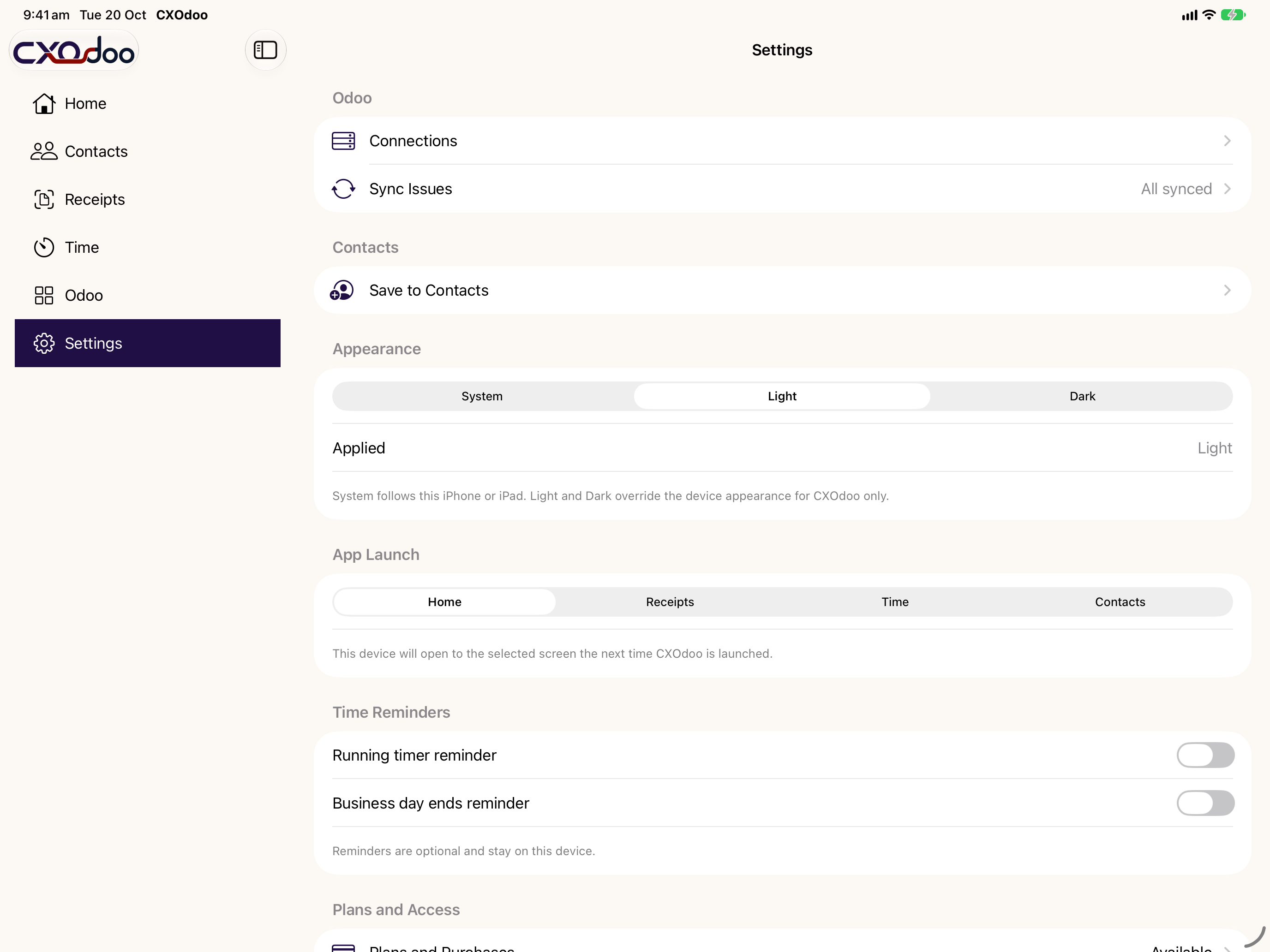
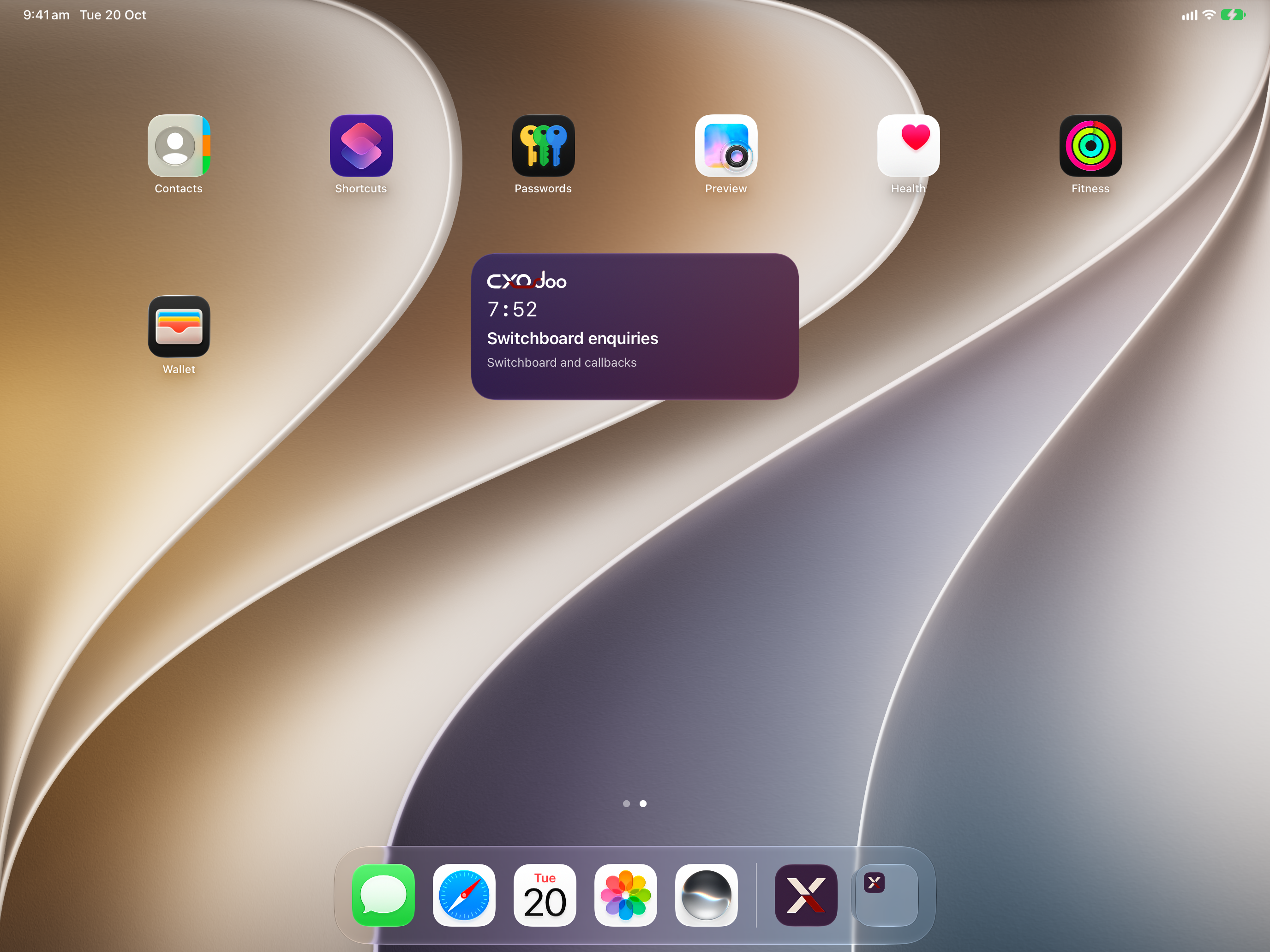
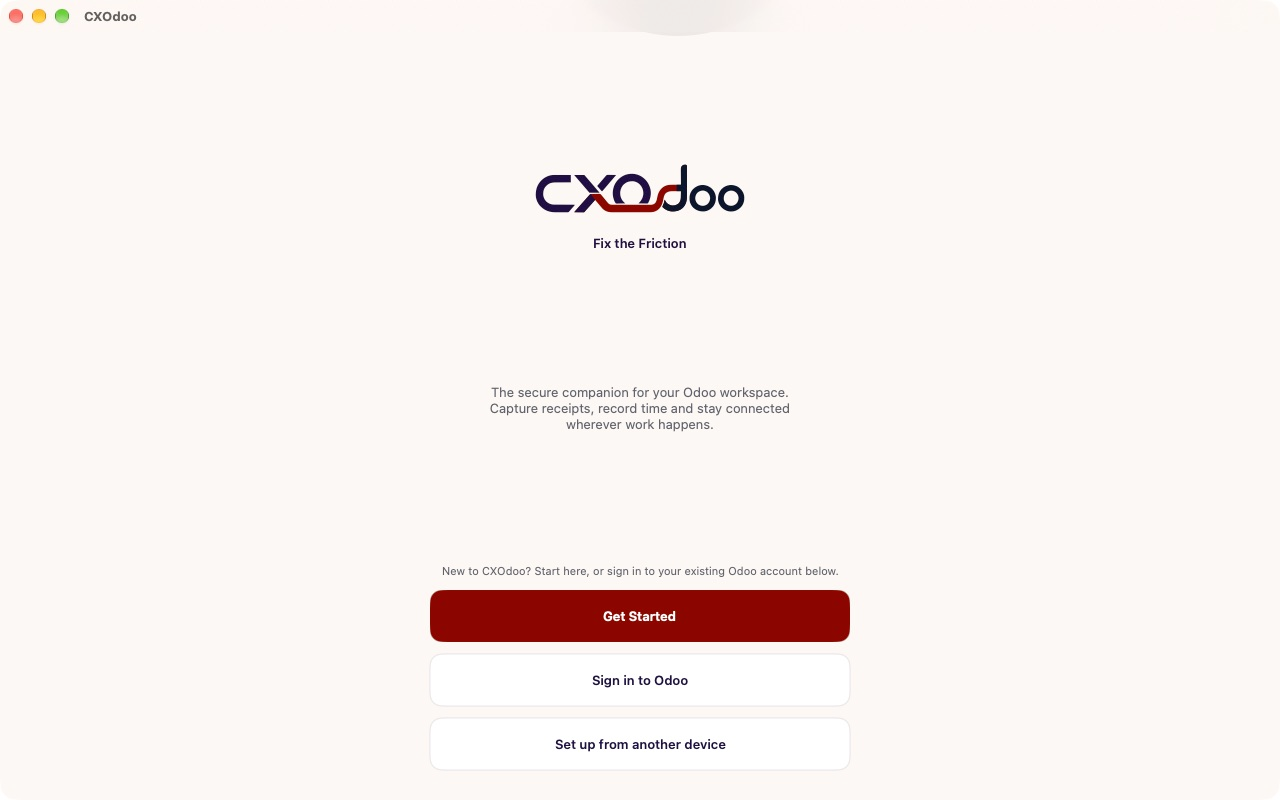
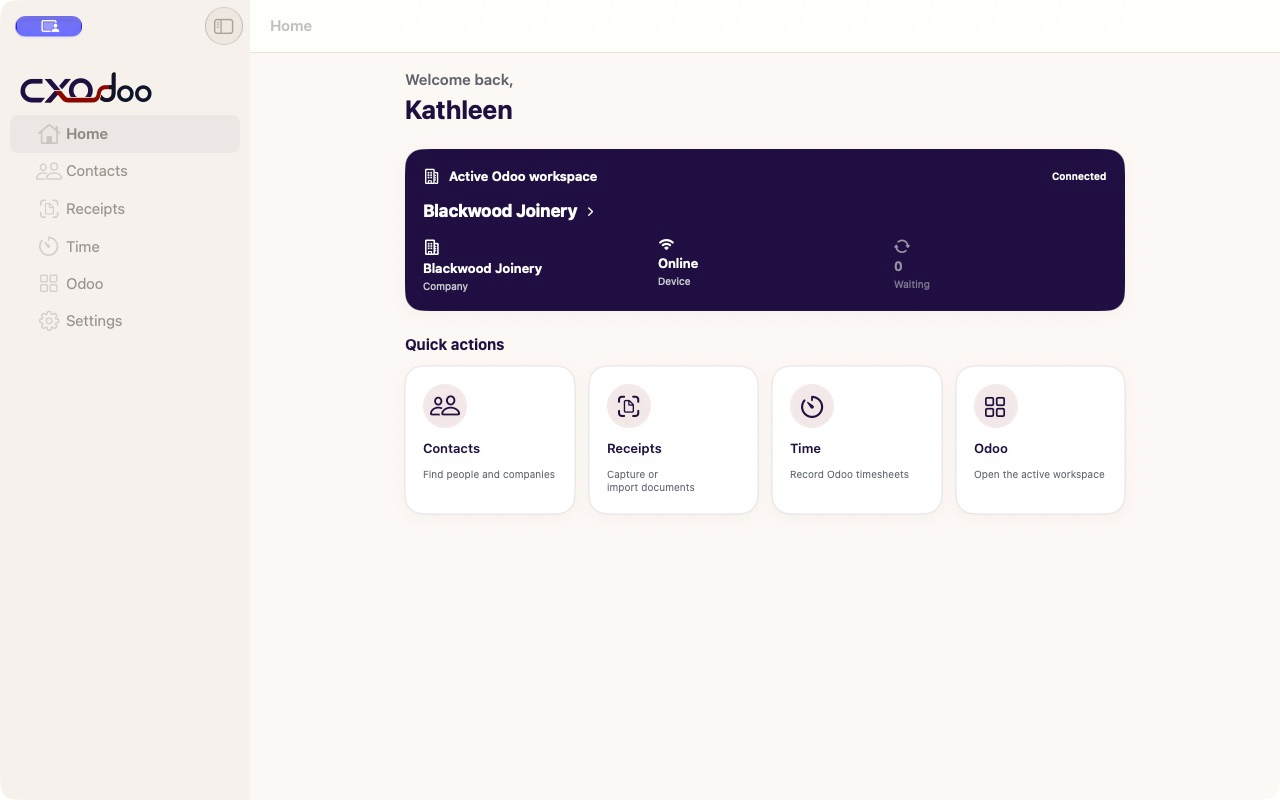
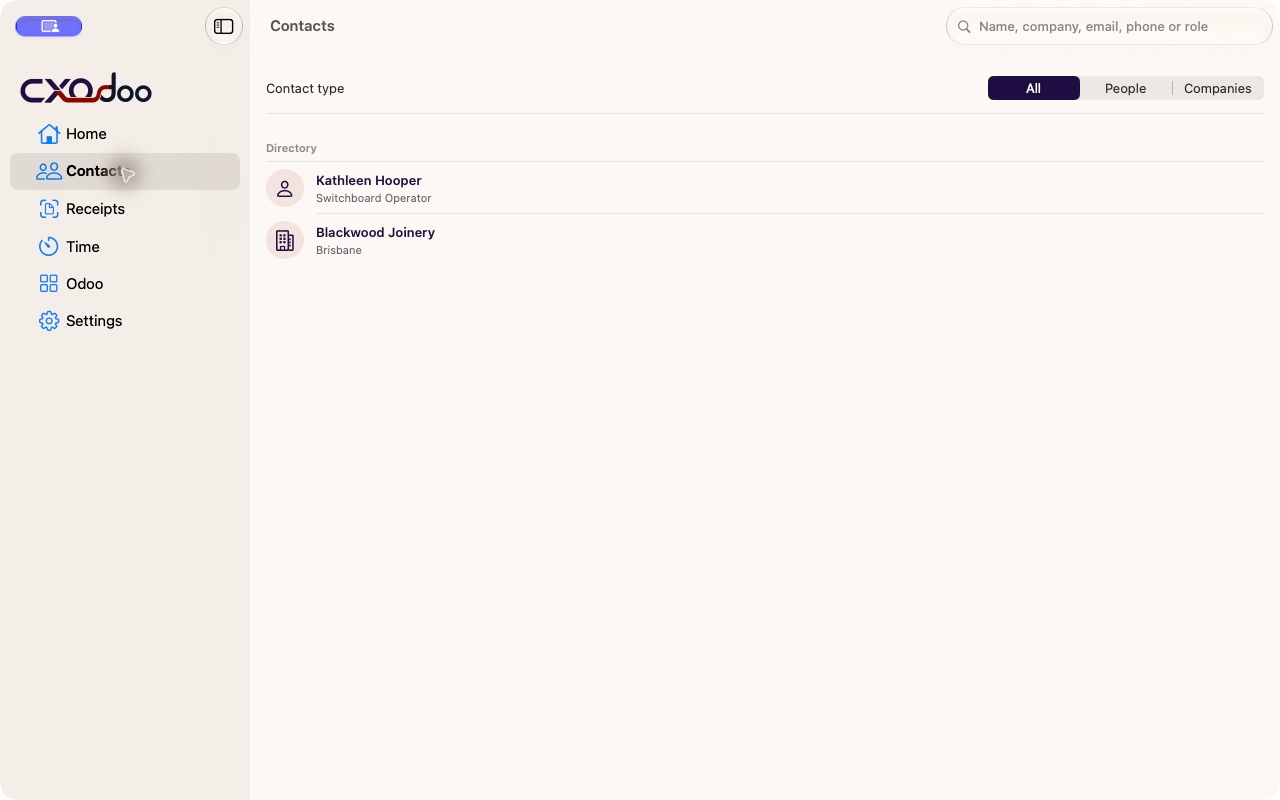
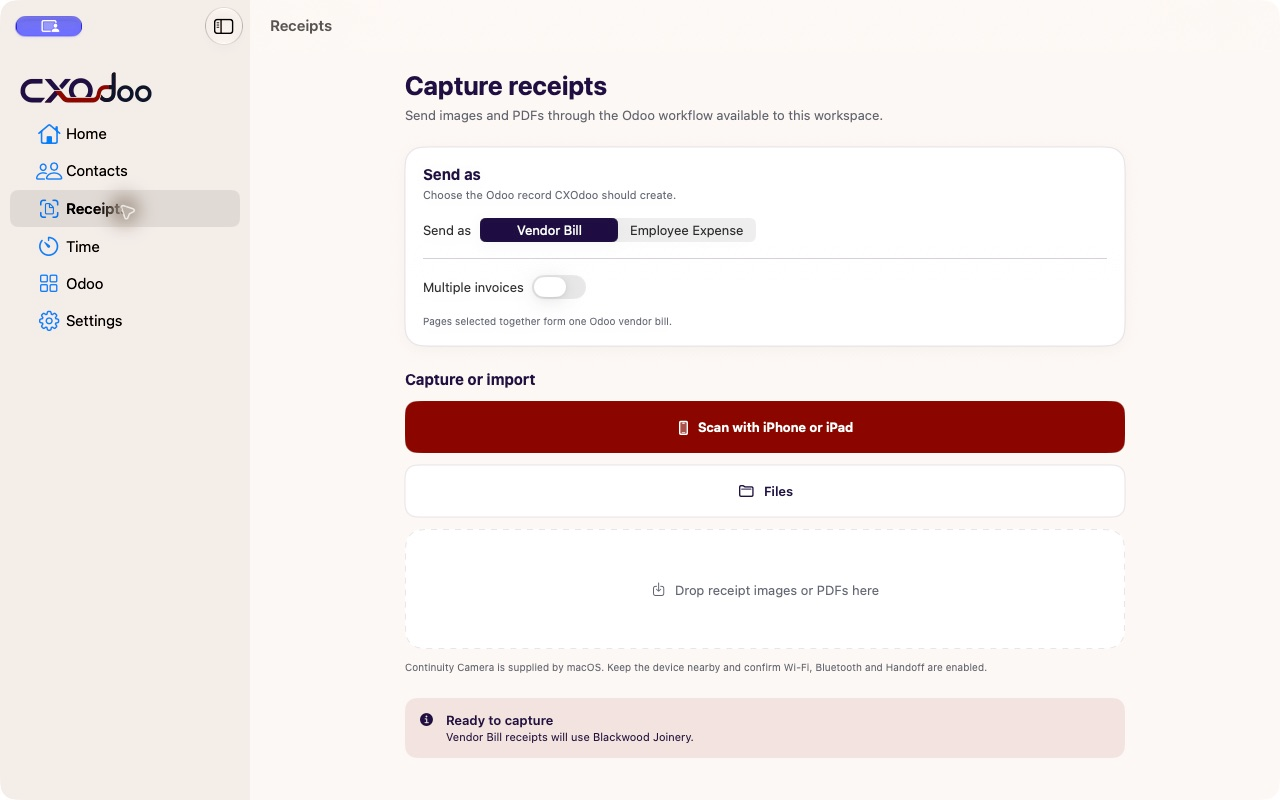
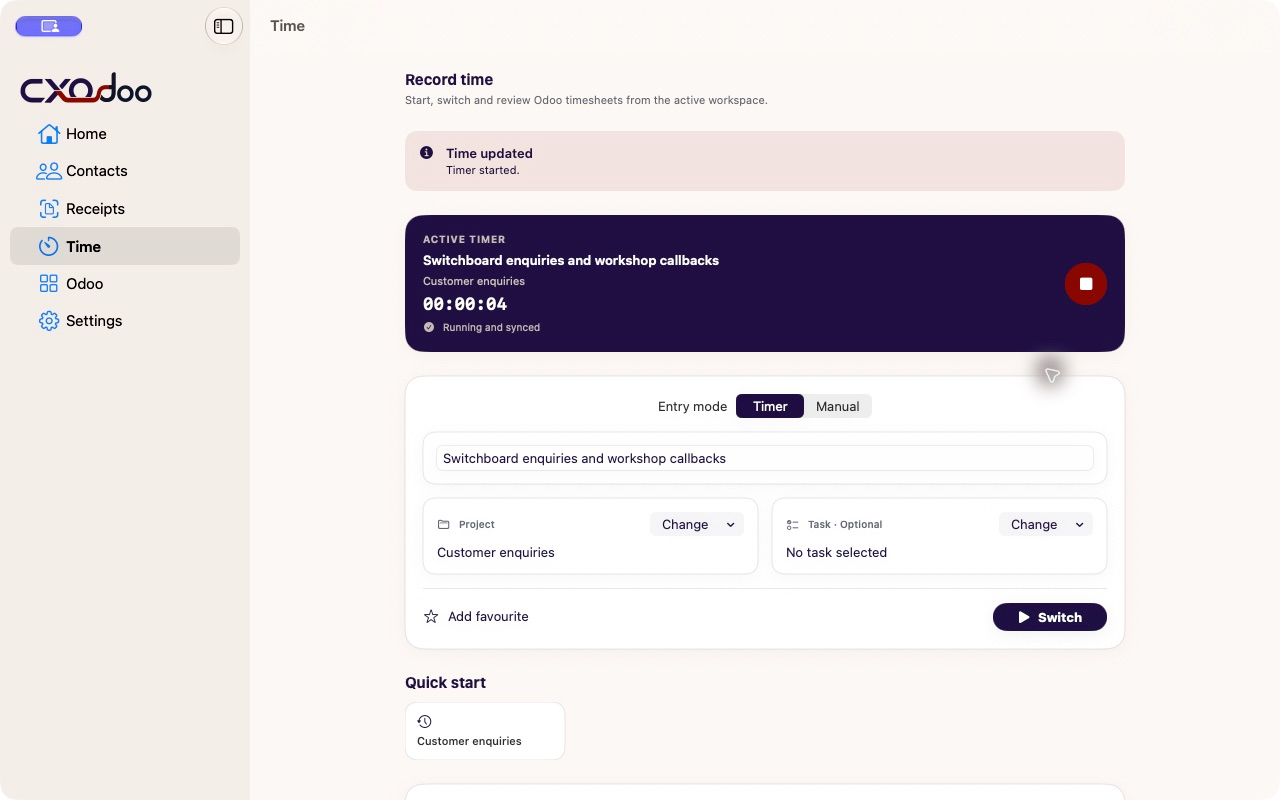
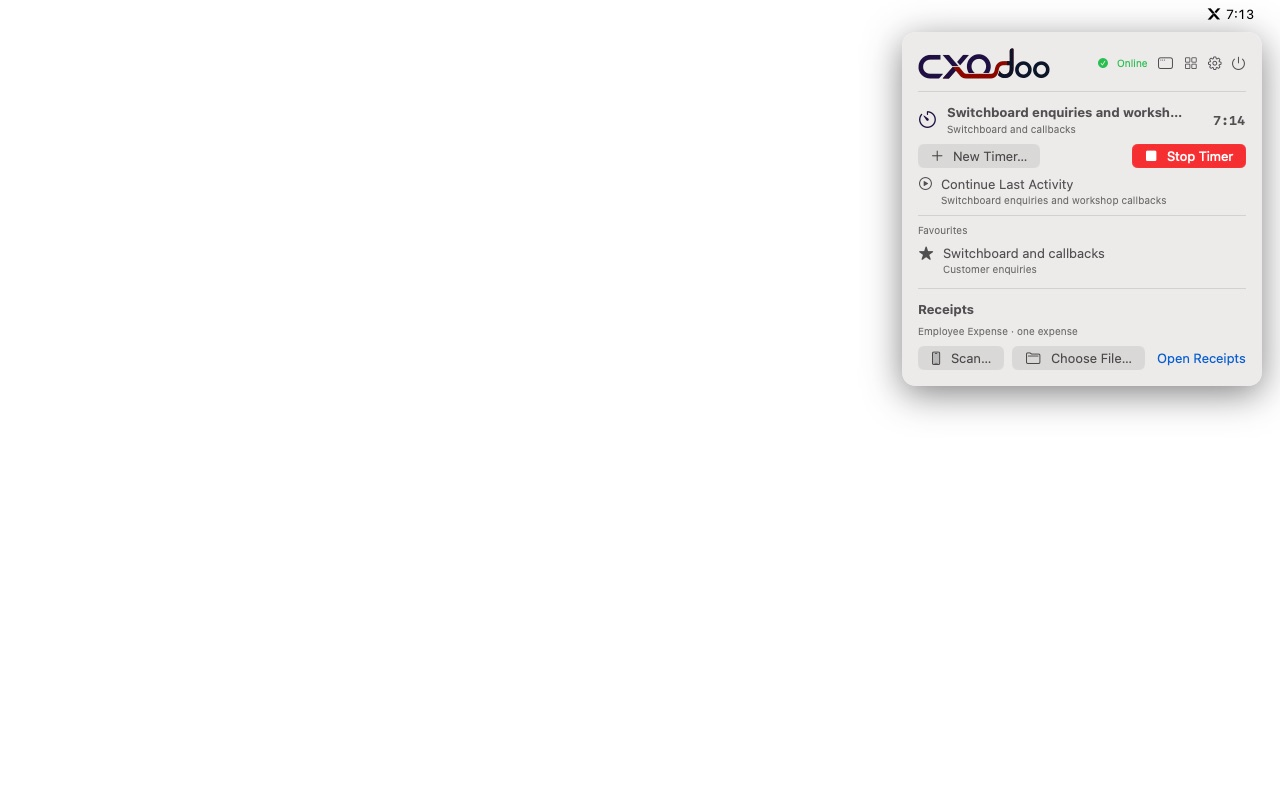
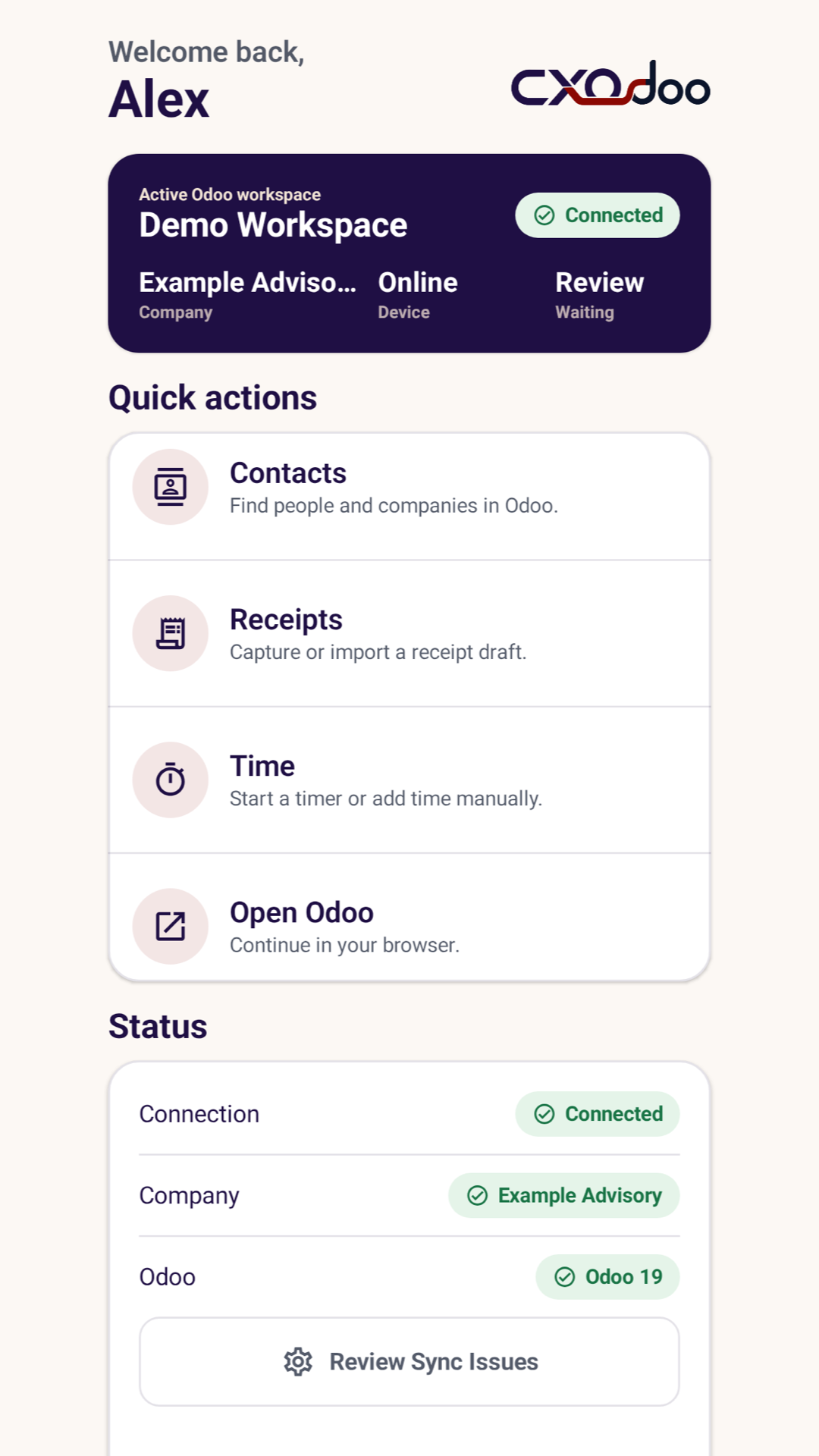
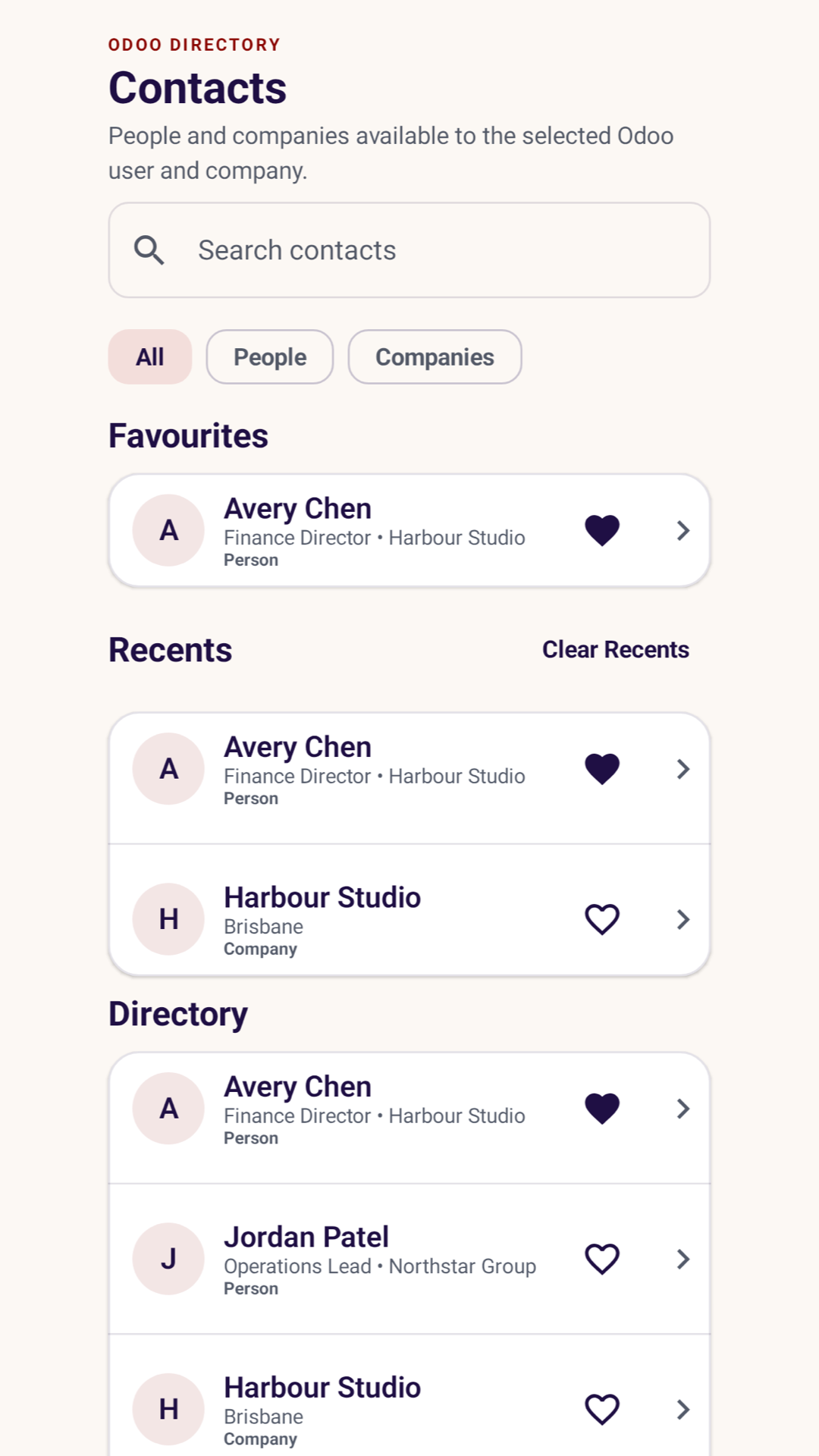
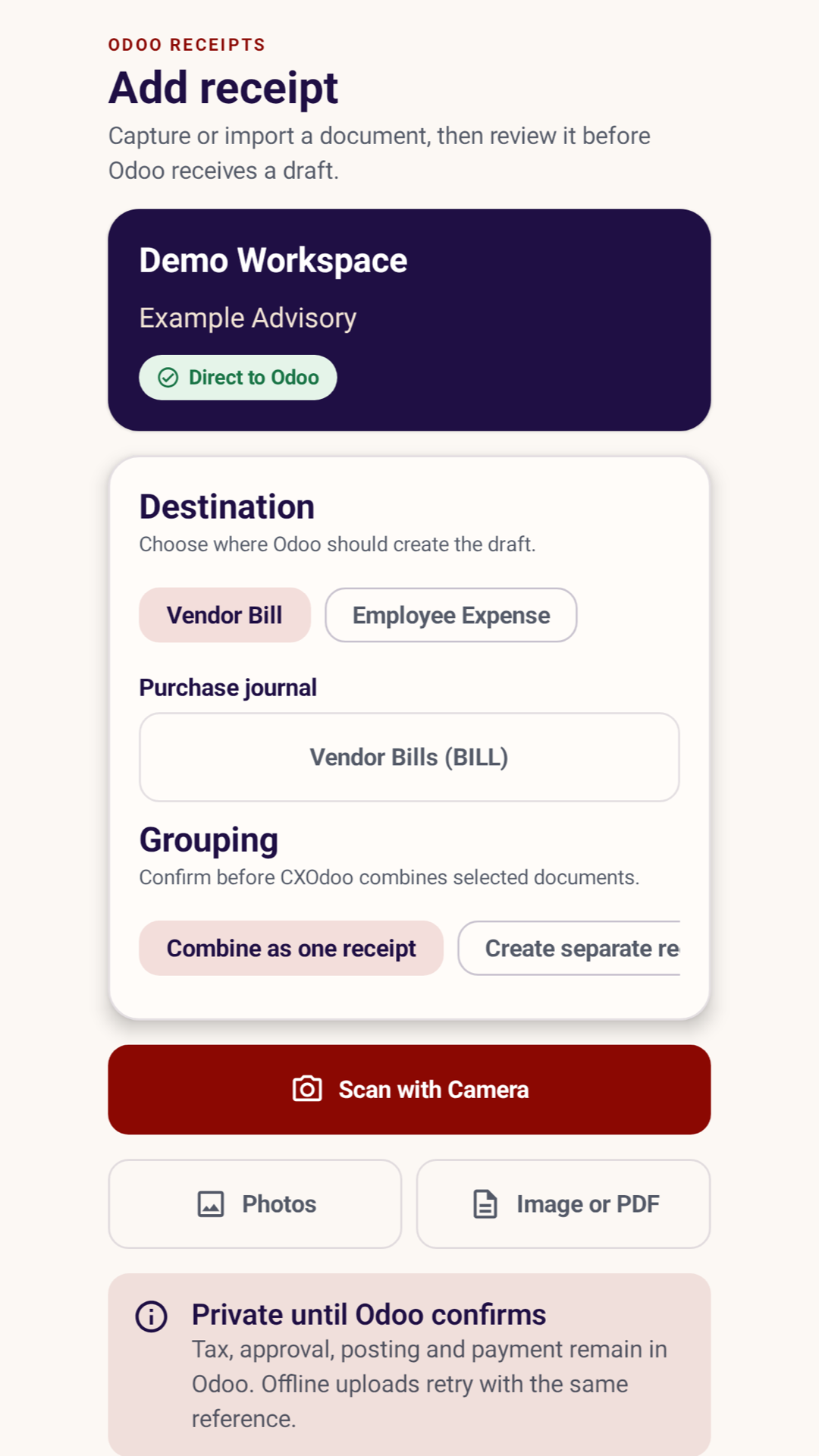
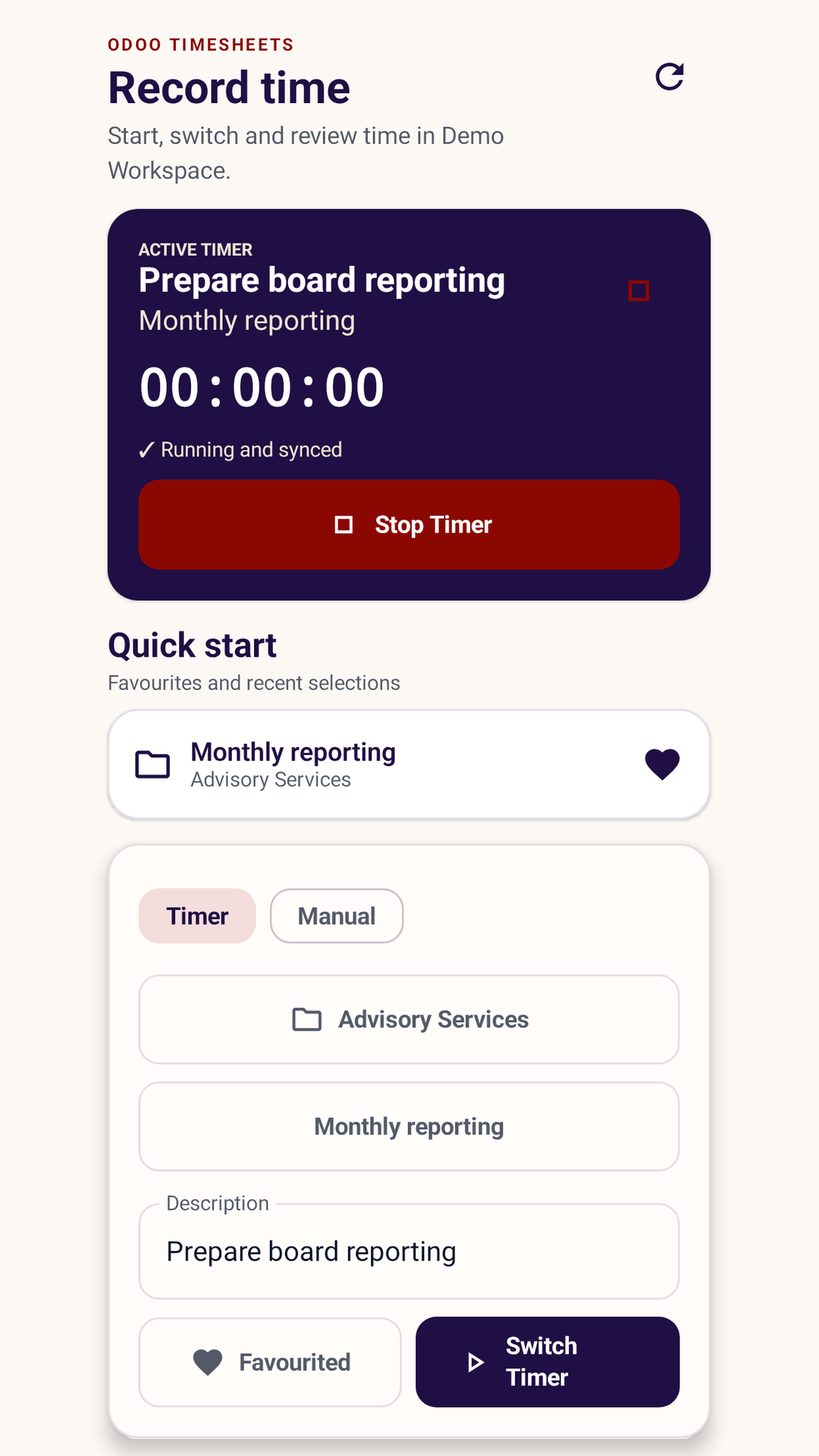
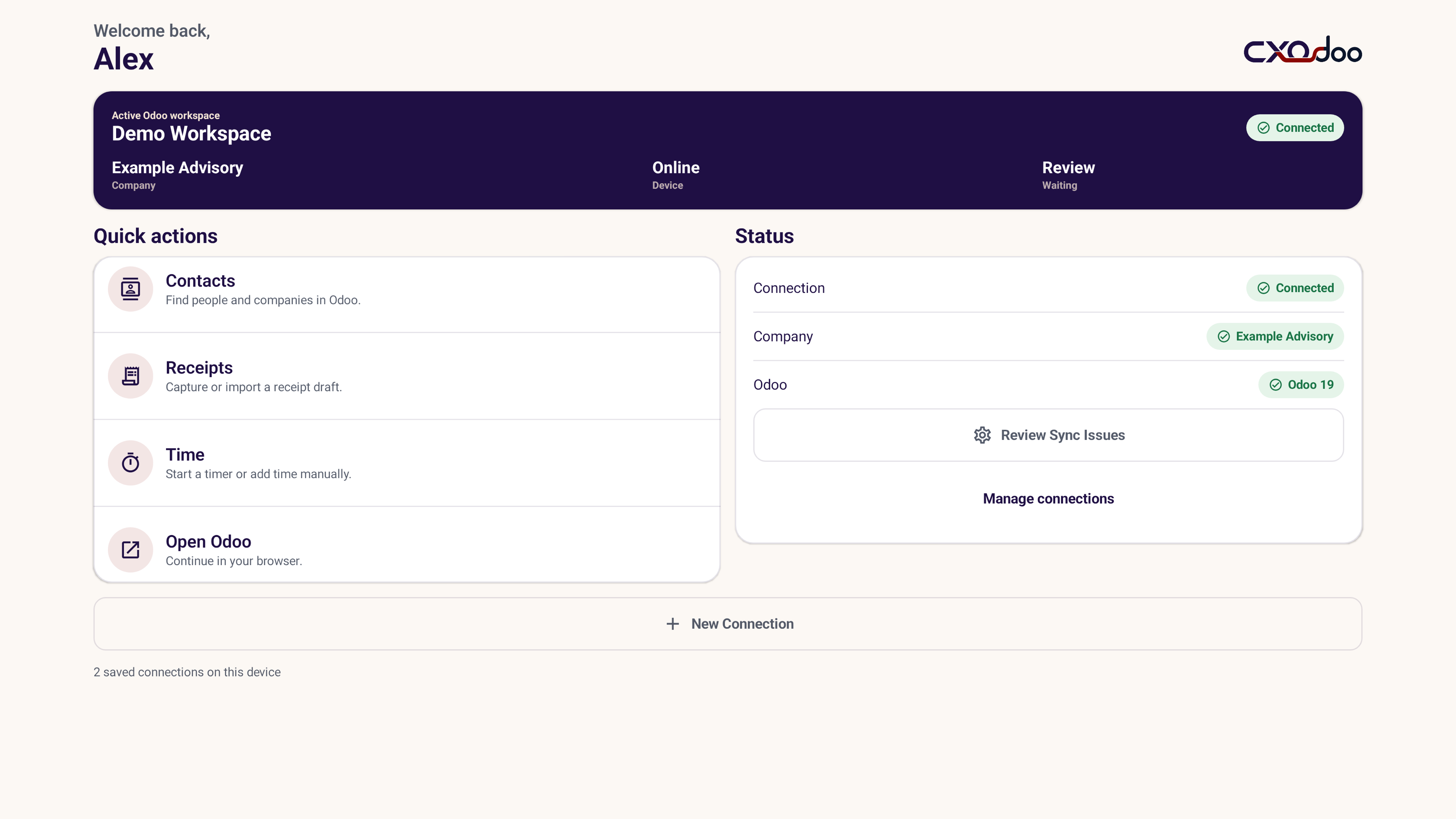
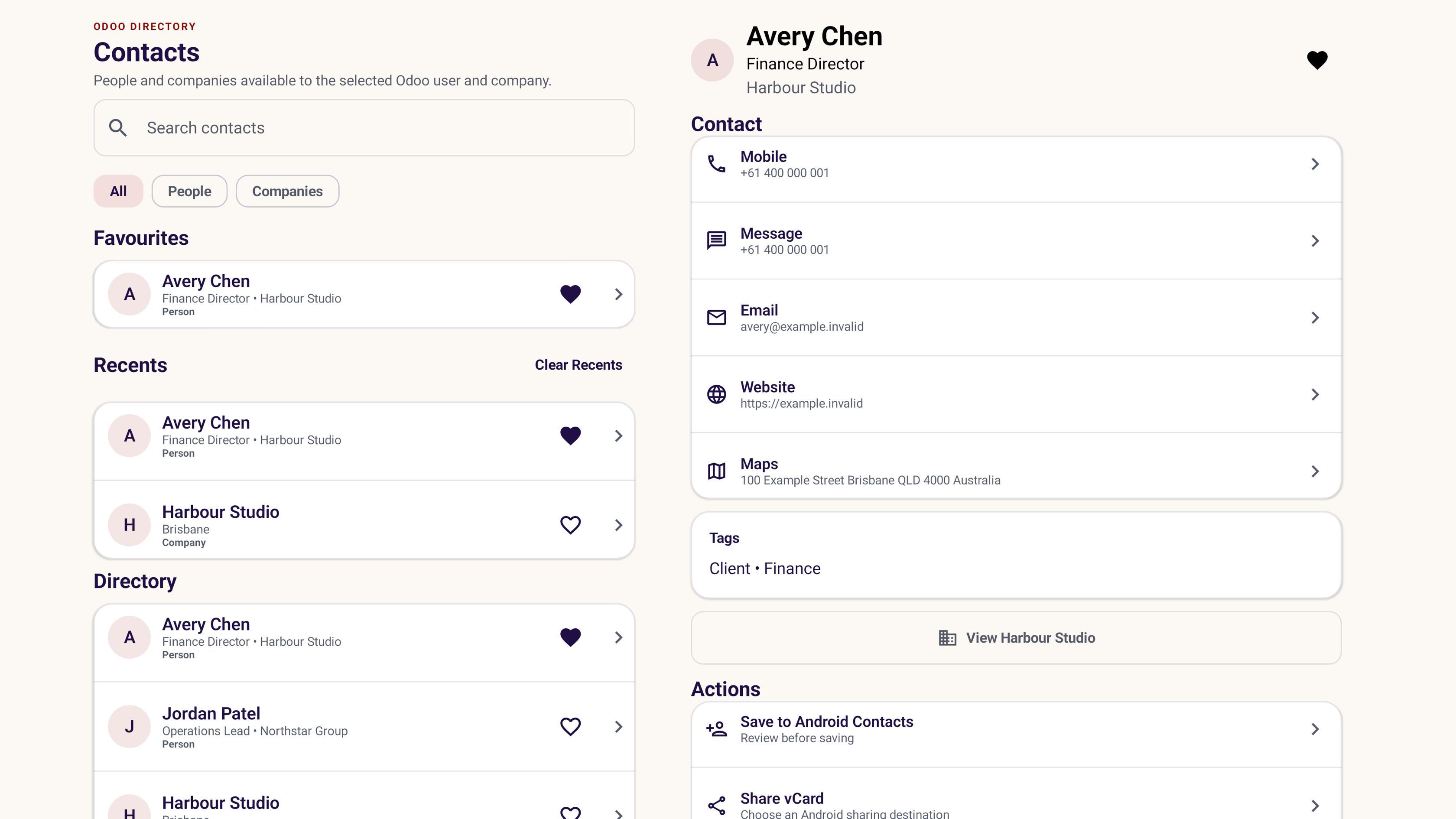
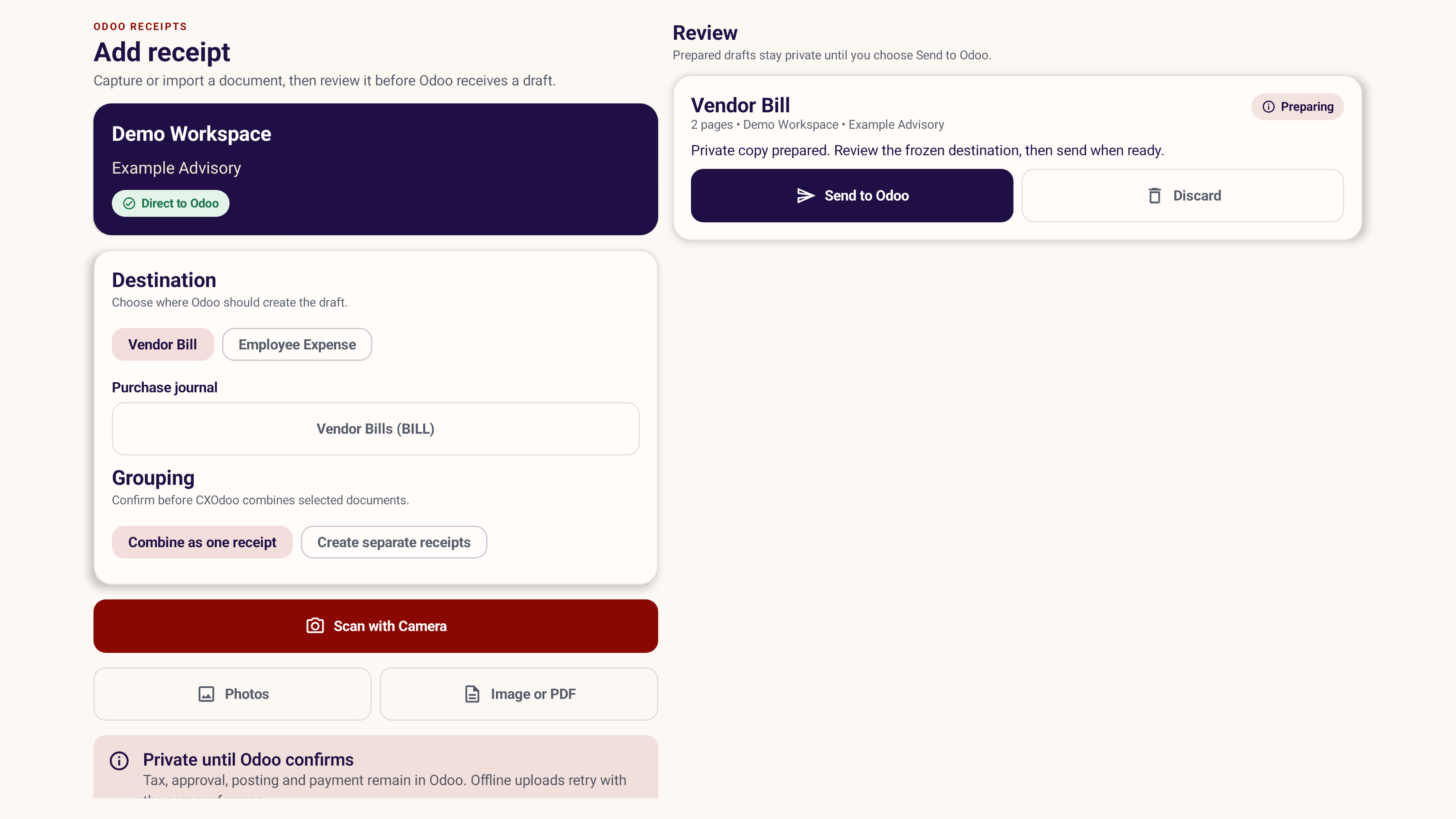
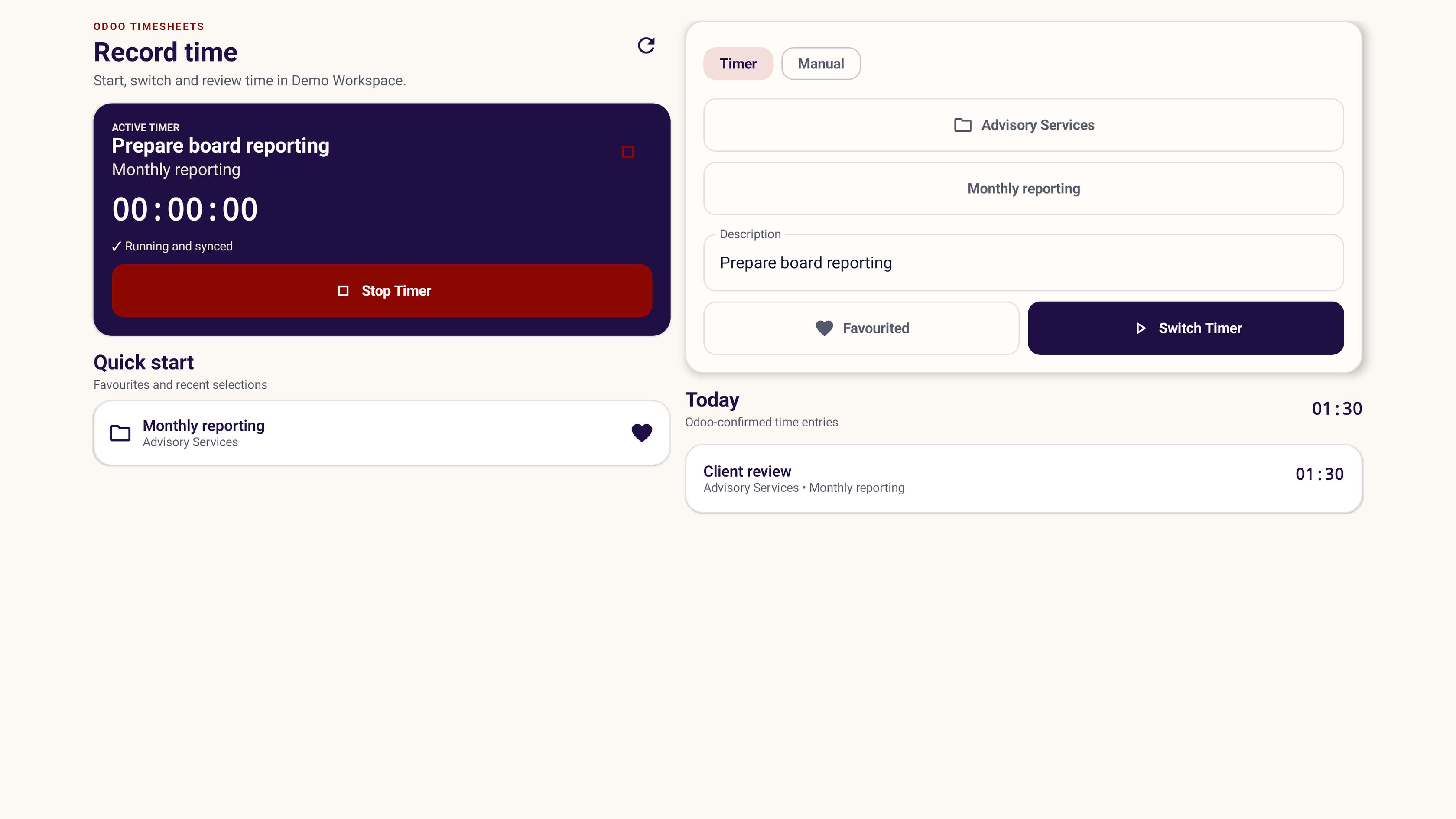
See CXOdoo in Light Mode on the folded and unfolded displays, including navigation alongside your workflow.
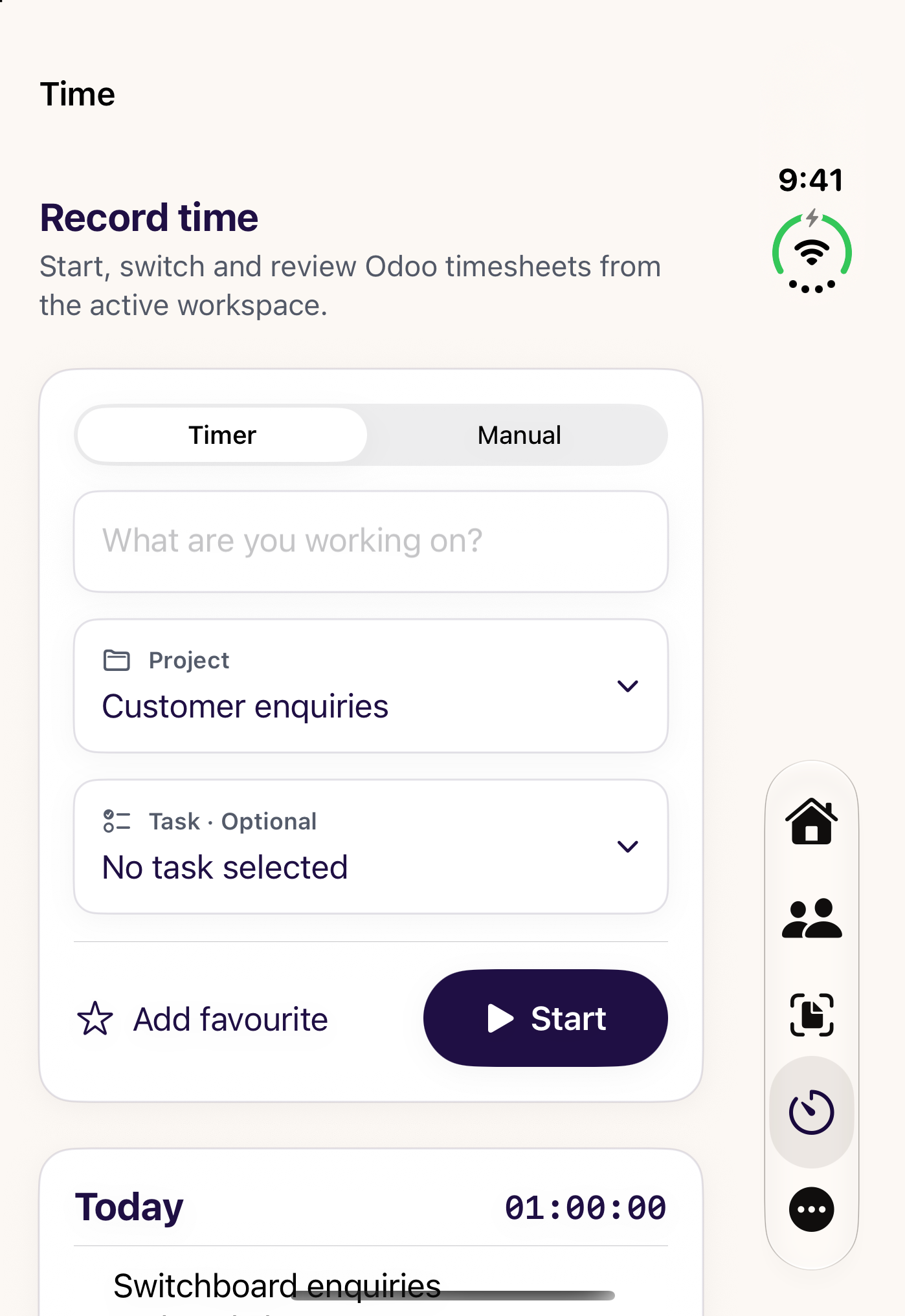
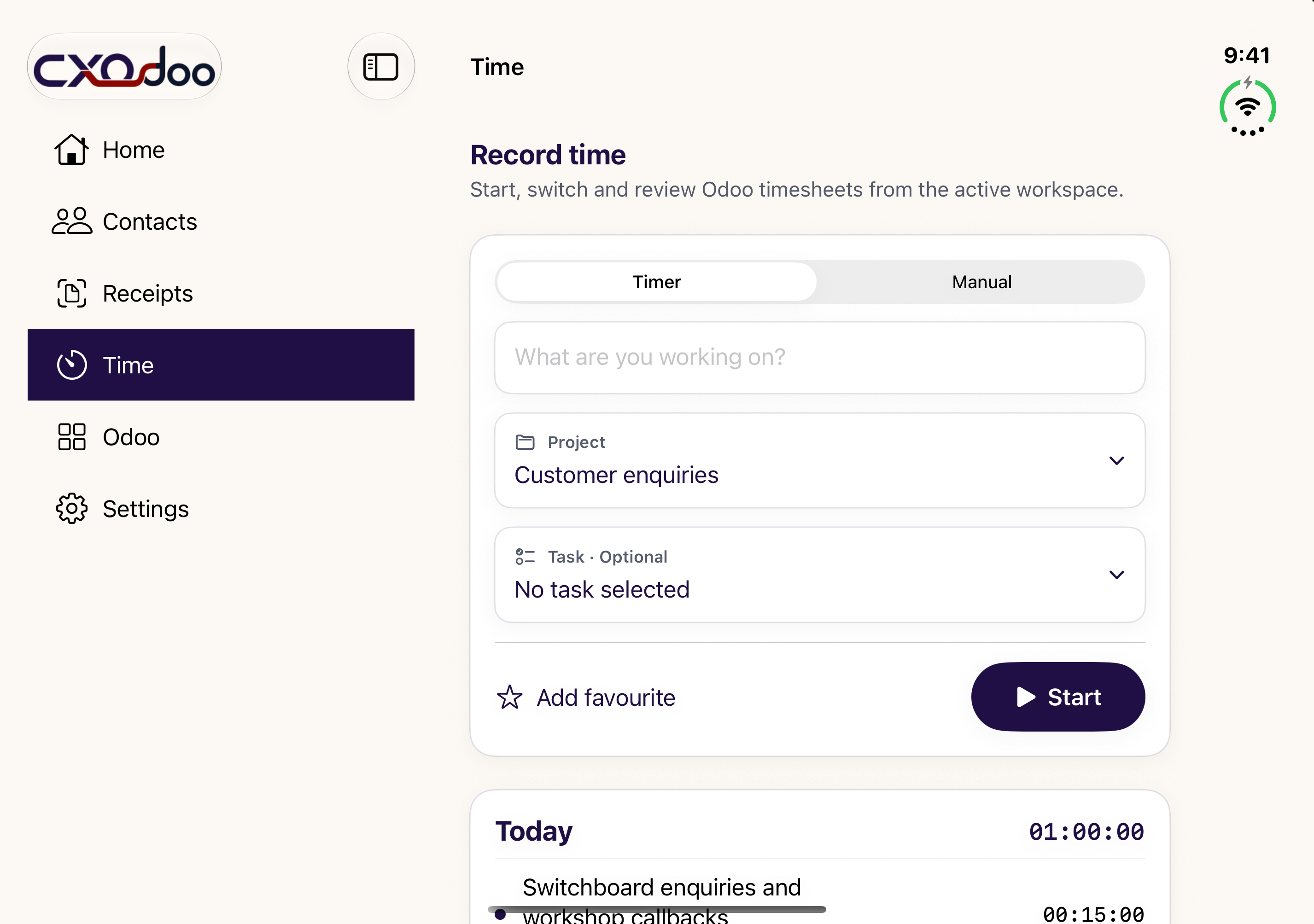
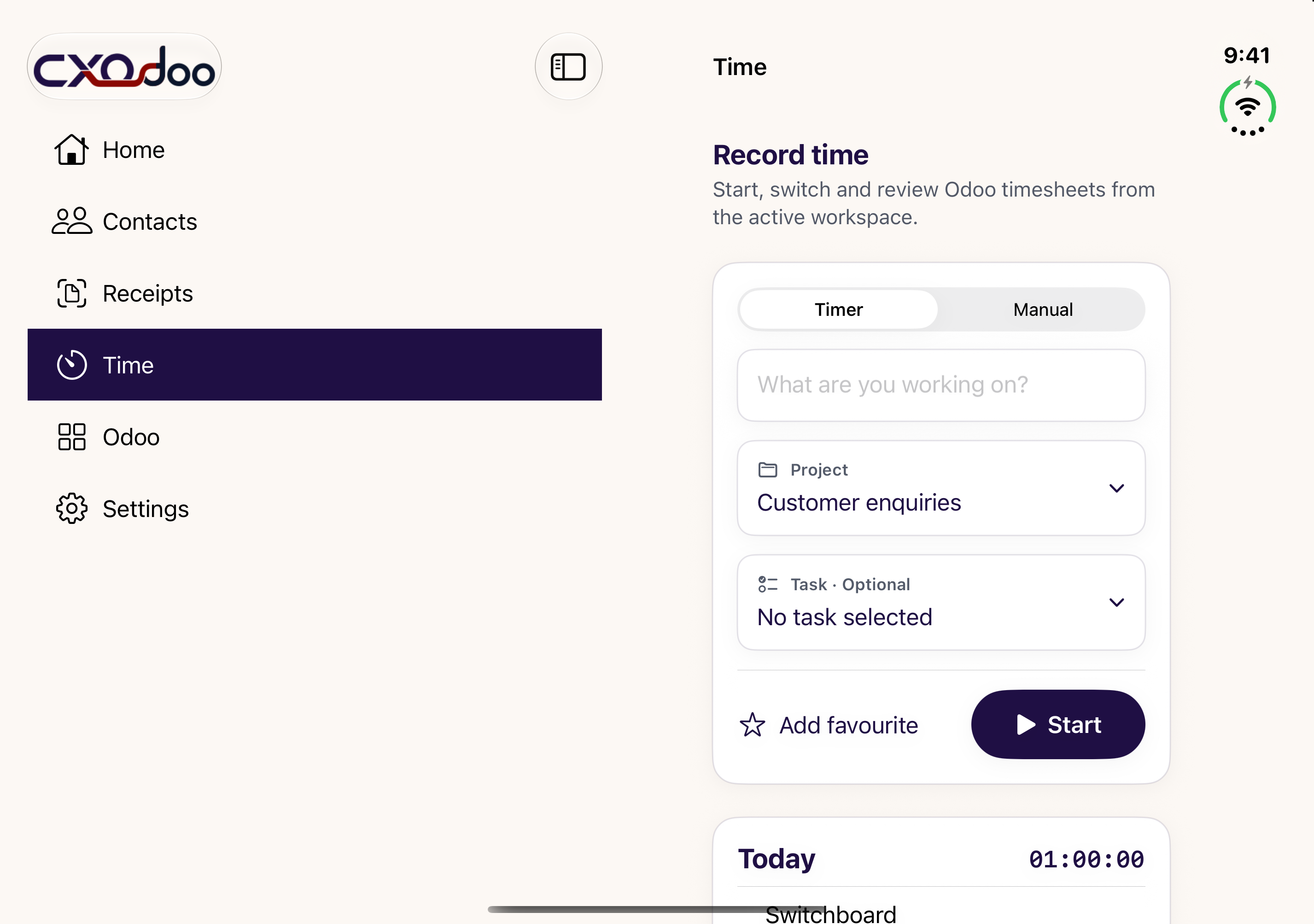
| Workflow | iPhone and iPad | Android | Mac |
|---|---|---|---|
| Contacts, receipt capture and project time | Supported workflows | Supported workflows at release | Supported workflows at release |
| Receipt input | Camera, Photos, image or PDF | Camera, Photos, image or PDF | Files and Continuity Camera where available |
| Quick timer access | In app; widgets and Live Activities on iPhone | In-app timer and widgets | In app and menu bar |
| Windows | Coming soon. Final features and requirements will be confirmed at release. | ||
We are preparing 1.3 across supported platforms. Contacts+ is the next step: contact Chatter, related work and a before-call brief, subject to your Odoo access and the features available on your platform.
Release timing and the final platform feature set will be confirmed after testing and store approval.
Get 1.3 release updatesWe are bringing CXOdoo to Windows. Tell us which workflows matter on your desktop and register your interest.
Windows has its own release programme. No simultaneous release date or complete feature parity is promised.
Register Windows interestDownload CXOdoo and use the supported Contacts and connection features for free. Receipts and Time are optional subscriptions. Review current prices, billing periods, trial eligibility and terms in the app and your local storefront.
Use the same CXOdoo account to synchronise eligible licences across supported platforms. Sign in to that account on each device and check Plans and Purchases. Store billing stays with the provider where you bought the subscription. Availability, platform support and licence eligibility still apply.
No custom CXOdoo Odoo module is required for standard supported Odoo functionality. Odoo permissions and installed applications determine what your account can use.
Business workflows connect directly to your selected Odoo environment. Odoo controls access, business records, accounting and approvals. CXOdoo account and licence services support sign-in and eligible cross-platform access. Read the Privacy Policy for the full explanation.
Supported unresolved work is retained for retry or reconciliation. Review Sync Issues before repeating an uncertain upload or time action.