Find apps faster
Alphabetical ordering gives users a predictable starting point instead of relying on where a similar-looking icon happened to be last time.
Odoo App Organiser
Bring predictable order to a busy Odoo launcher. Start with business apps arranged alphabetically, then let each user personalise the layout around the way they work.
Their preferred order is stored in Odoo and restored across browsers and devices.
Price: $ 15.00
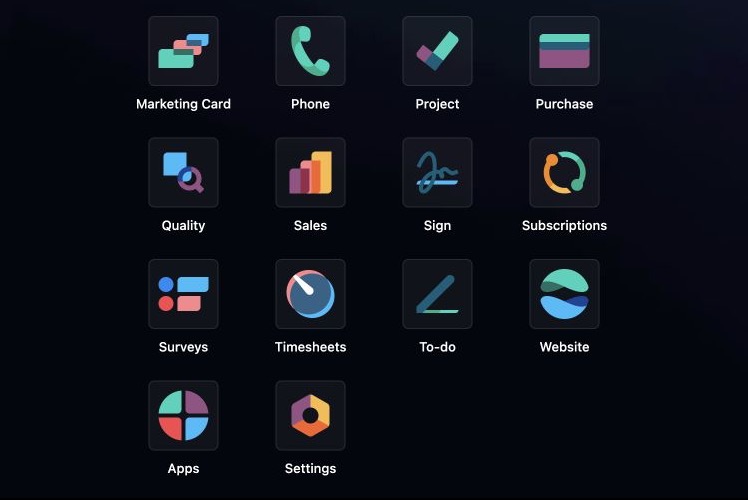
Alphabetical ordering gives users a predictable starting point instead of relying on where a similar-looking icon happened to be last time.
Each user's saved order is stored in Odoo and restored after reload, including in another browser or on another device.
Each user can rearrange business apps around the way they work and keep an independent preferred layout.
Apps and Settings remain at the end where administrators and implementers can reach them without searching through the general sequence.
As our Odoo launcher filled up, the consistent icon design looked clean but made it surprisingly easy to scan backwards and forwards for the application we wanted.
During setup and implementation, even an app we used regularly could take longer than it should to find.
We wanted a predictable alphabetical starting point, Apps and Settings kept where we expected them, and the freedom for each user to arrange the rest once and keep that layout.
So we built Odoo App Organiser.
Scan rows of similar icons, remember where an app was last seen and repeat the search as the launcher changes.
Start from a predictable alphabetical order, personalise the layout and keep that preferred order across browsers and devices.
Genuine Odoo interface captures. Select an image to inspect it at full size.
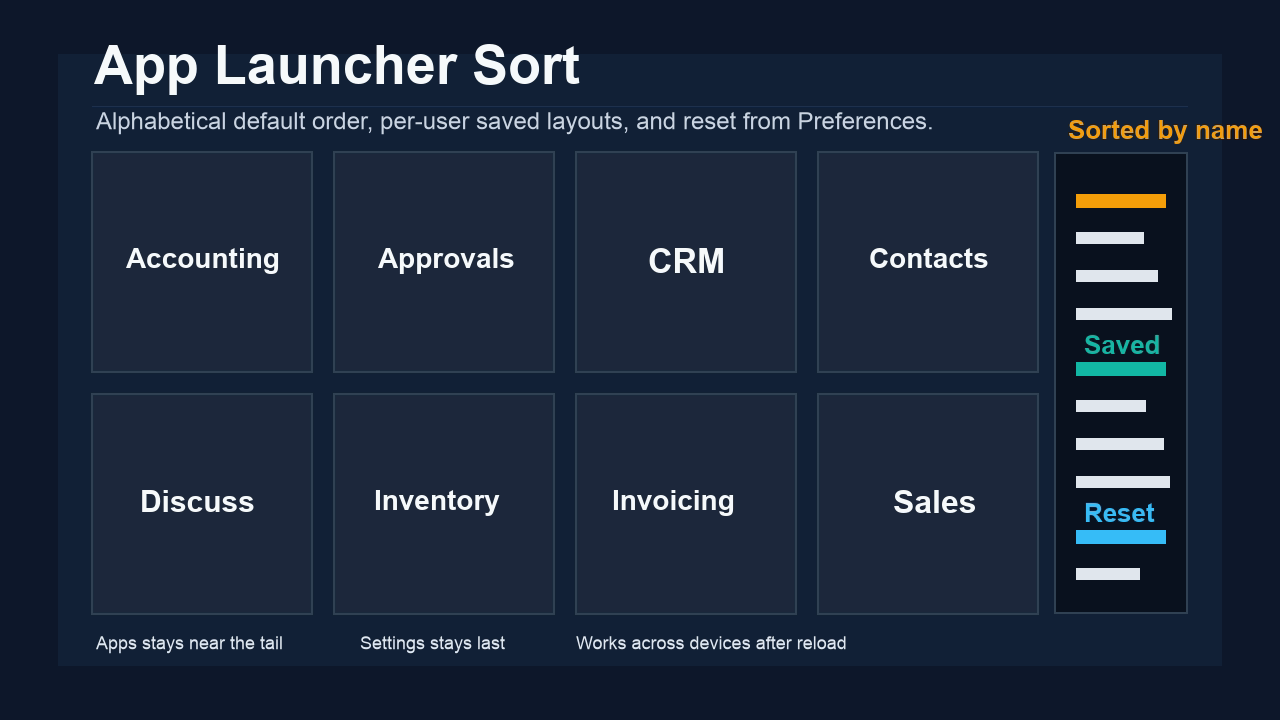
Alphabetical app ordering, with Apps and Settings at the end.
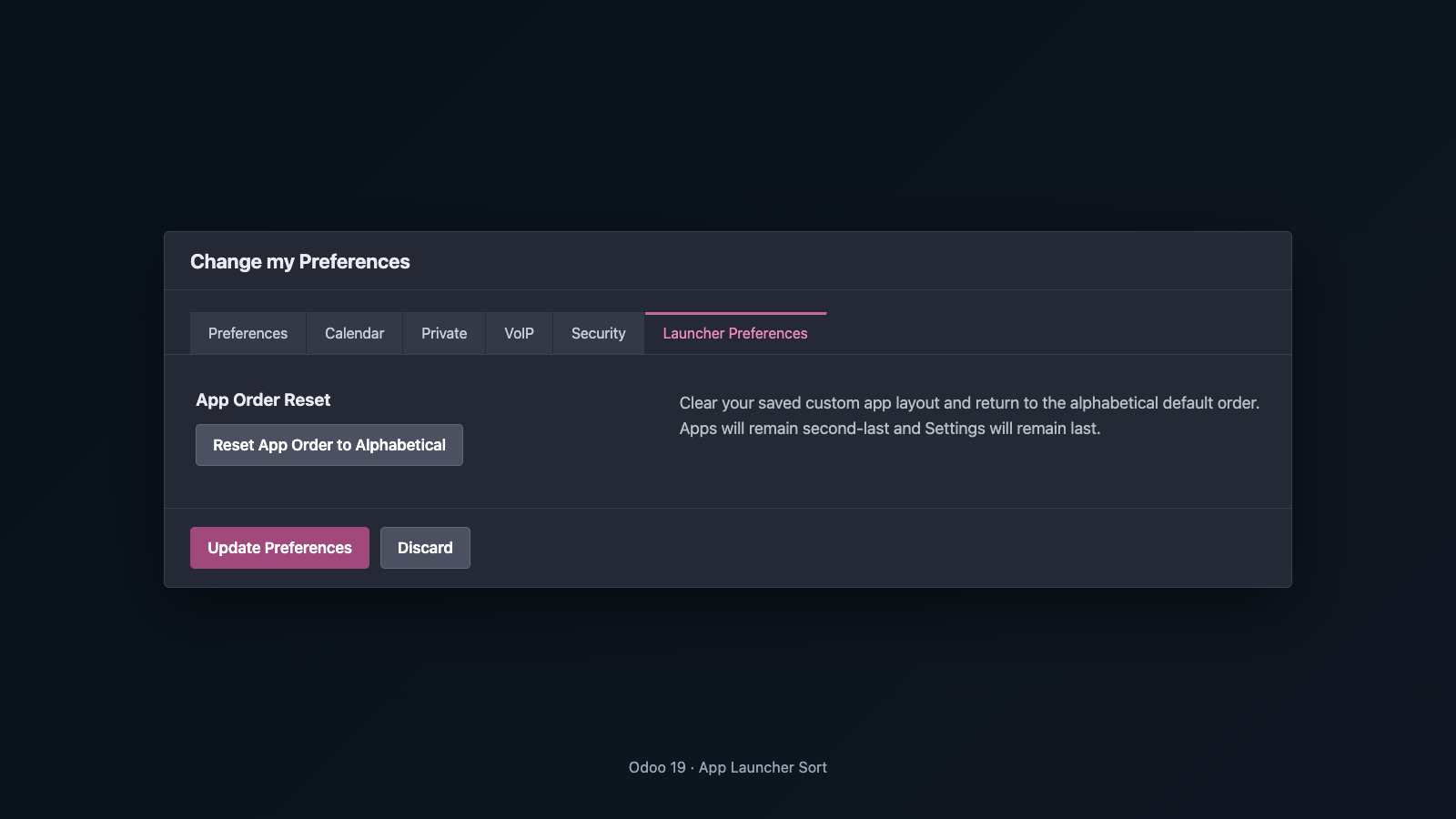
Return to the alphabetical default from Launcher Preferences.
cxo_app_launcher_sortOdoo 19 Enterprise. Supported on Odoo.sh and self-hosted or on-premise Odoo where custom modules can be installed. Odoo Online does not support installation of this third-party module.
OPL-1. One perpetual licence covers one production Odoo database, unlimited users and companies in that database, and its related development, staging, test and backup clones.
The paid licence includes investigation and correction of reproducible defects and maintenance releases for the supported current Odoo major version, Odoo 19. Installation, configuration, customisation, workflow changes, third-party problems and consulting may fall outside included product support.
Put your apps where you expect them and get on with the work.