CONTACTS · FREE
Find your people.
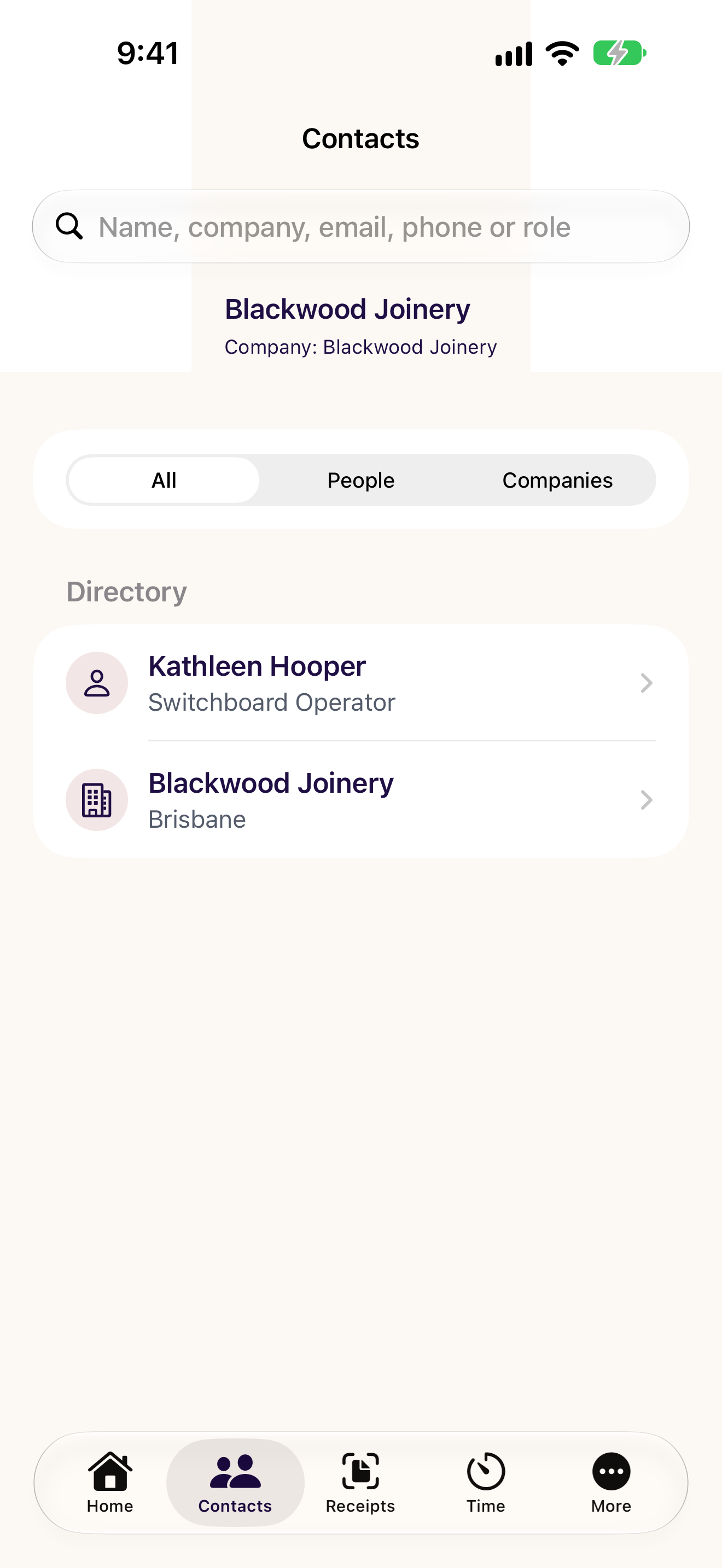
Search people and companies. Keep favourites close. Call, email and save selected Odoo contacts to your phone, free.
CXOdoo · Your native Odoo companion
Your contacts, receipts and project time.
Closer to hand, wherever work happens.
For your own working day.
For everyone in your organisation.

Australian made. Built around real Odoo work.
Start with free Contacts. Add the features you need.
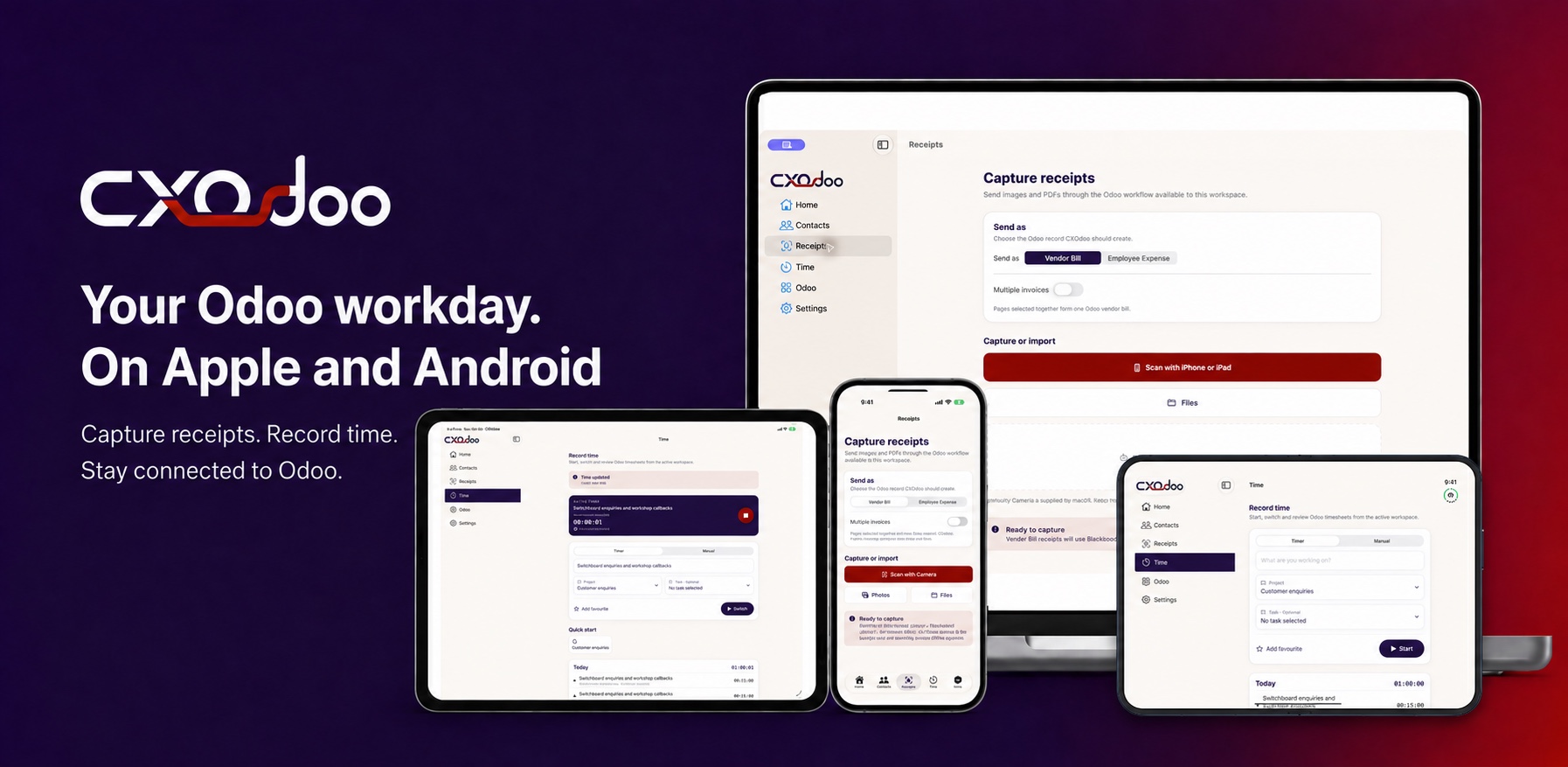
iPhone · iPad · Android · Mac / Windows is on the way.
Built for your phone. Connected to your Odoo.
Focused app screens, familiar controls and supported device features for everyday Odoo work. No custom Odoo module required.
Four ways to fix the friction
Find the person. Prepare for the conversation. Capture the receipt. Record the work. All connected to the Odoo workspace you already use.
CONTACTS · FREE
Search people and companies. Keep favourites close. Call, email and save selected Odoo contacts to your phone, free.
CONTACTS+ · PAID
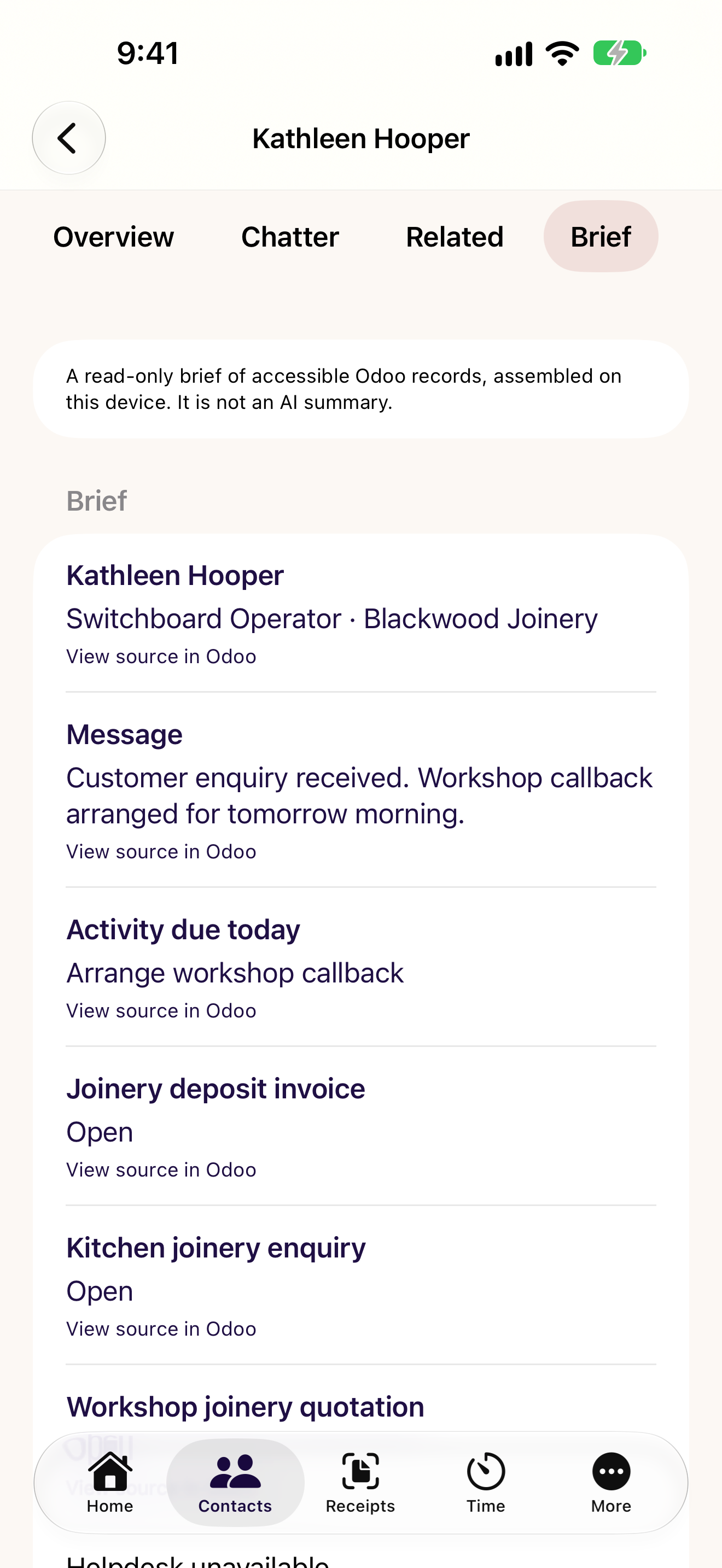
See contact Chatter, related work and a before-call brief, within the access your Odoo account allows.
RECEIPTS · PAID
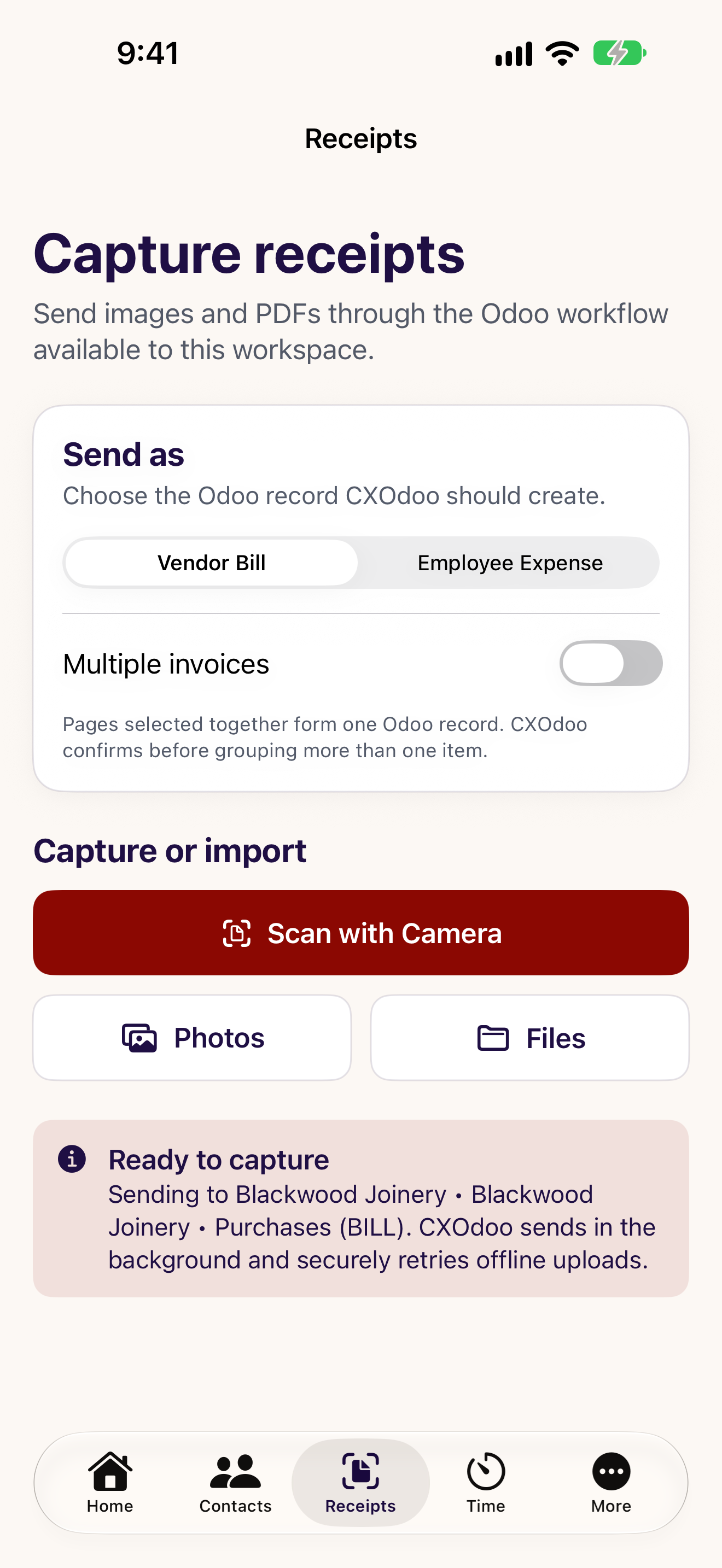
Scan or import a receipt for a draft Vendor Bill or Employee Expense. Review and approval stay in Odoo.
TIME · PAID
Start a timer or enter time against your projects and tasks. Keep favourites and recent work within reach.
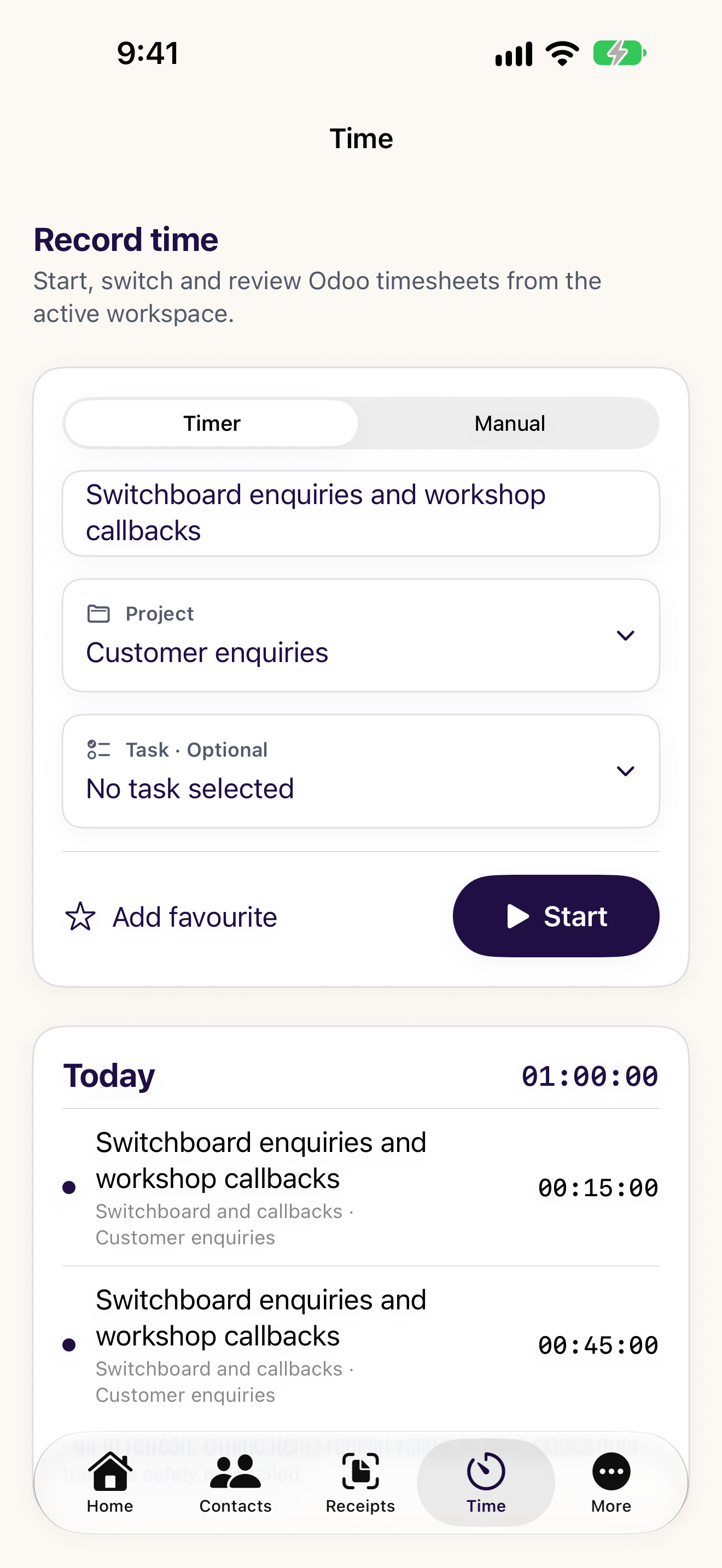
At home on your device
A bigger view when you need it. A timer close to hand when you don’t. Explore the ways CXOdoo fits into your day.
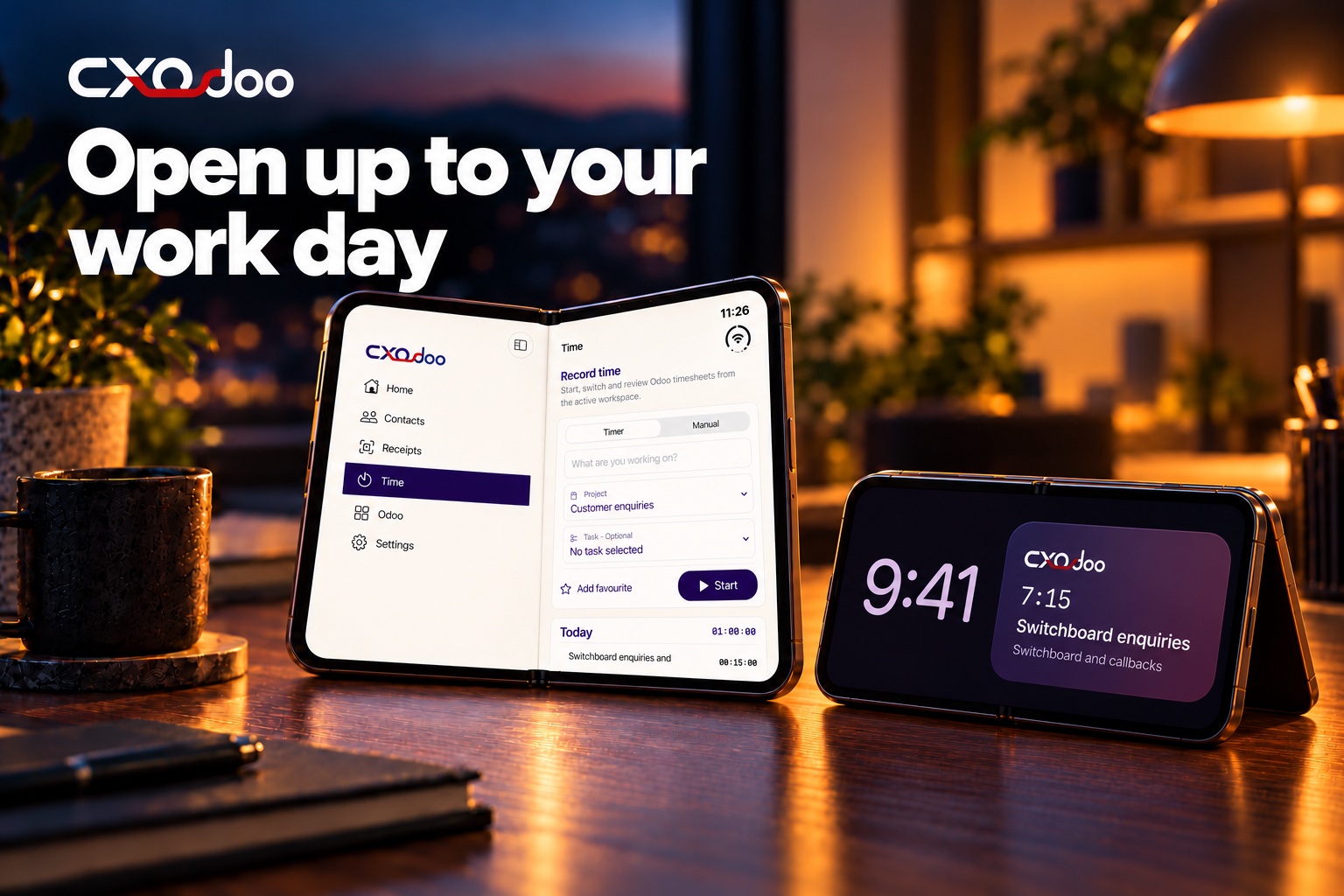
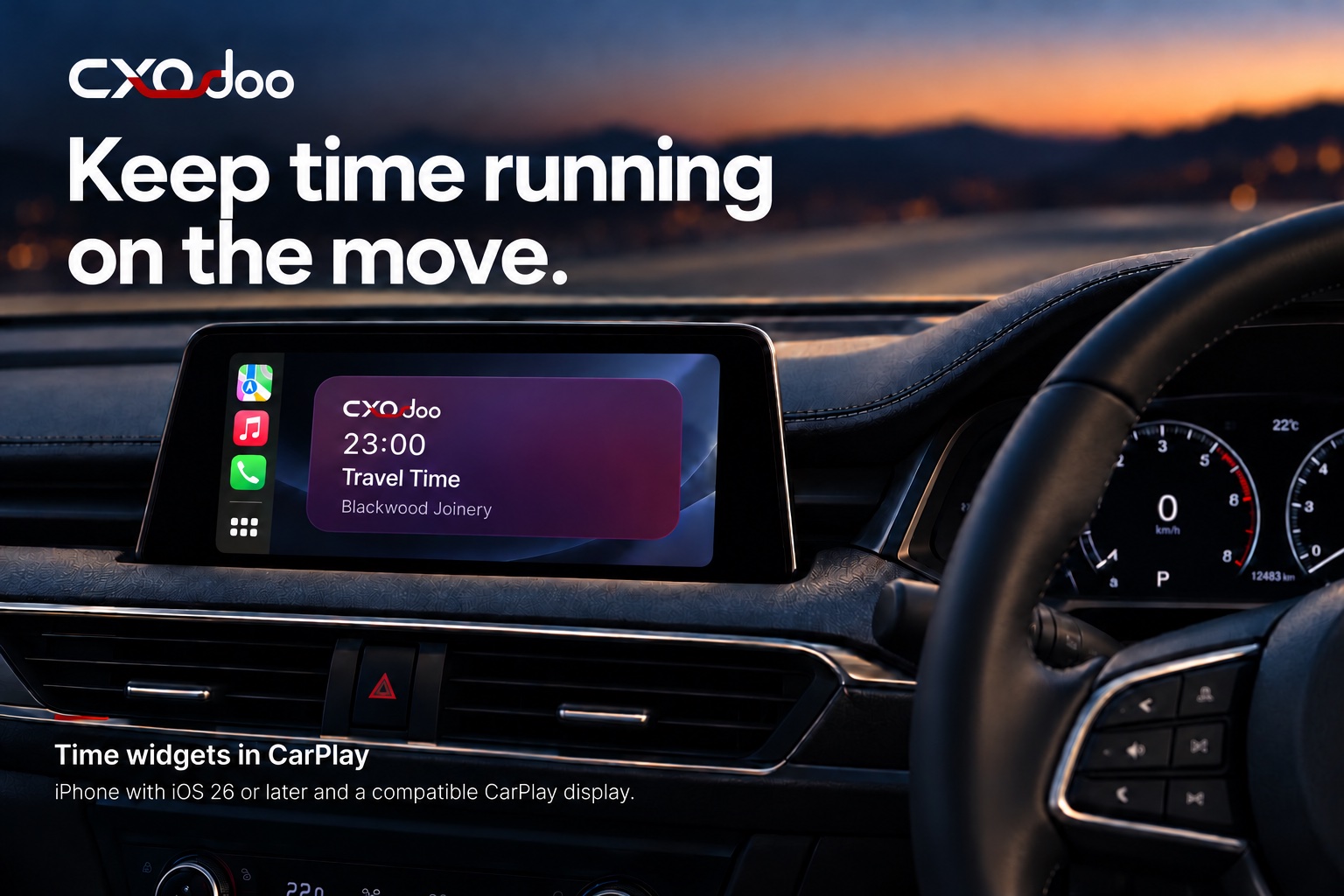
Widgets and device features vary by platform. CarPlay widgets require iPhone with iOS 26 or later and a compatible display.
See widgets, desktop shortcuts and device features → Browse every device screenshot →CXOdoo for your organisation
Give your people a practical way to work with Odoo, whether they’re at a desk, on site or between appointments.
Start with the workflows your team needs. Choose a licensing and rollout approach that fits your organisation.
Planning managed subscriptions through Apple Business Manager or Apple School Manager? Talk to us about eligible plans and your organisation’s requirements.
Map the features people need, the devices they use and how eligible licences connect to their CXOdoo accounts.
Plan a pilot around your actual Odoo environment. Confirm access, workflows and licensing before extending it to more people.
Organisation purchasing, assignment and cross-platform eligibility depend on the plan and purchasing route. We’ll confirm the right approach with you.
Discuss your rollout ↗Licensing, made clearer
A plan for one person is different from a rollout for an organisation. Here’s how to choose.
Read the licensing details →Contacts is free. Add Contacts+, Receipts or Time, or explore Premium for the included standard features. Check the app for available plans, current prices and any eligible trials.
Sign in with the same CXOdoo account to synchronise eligible licences across supported platforms. Store billing stays with the provider where you subscribed. Features and eligibility vary.
Speak to us about organisation purchasing, employee access and Apple volume licensing. An individual subscription doesn’t provide an unlimited company licence.
Your next working day starts here
Download CXOdoo for your device. Connect your Odoo workspace and start with free Contacts.
 iPhone and iPad · Available
 Android · Available
 Mac · Available
Windows is coming. Register your interest →
A few useful answers
Both. Start as an individual with free Contacts, or discuss a pilot and purchasing arrangements for your organisation.
Eligible licences can be synchronised through your CXOdoo account on supported platforms. The available features, store products and licence eligibility vary. Organisation-assigned seats have their own eligibility rules.
No. Your Odoo account’s access controls still apply. Subscription access does not grant permission to Odoo records.
Talk to us about Apple volume purchasing and your organisation’s rollout. We’ll confirm the eligible plans and assignment approach for your requirements.
More ways to fix the friction